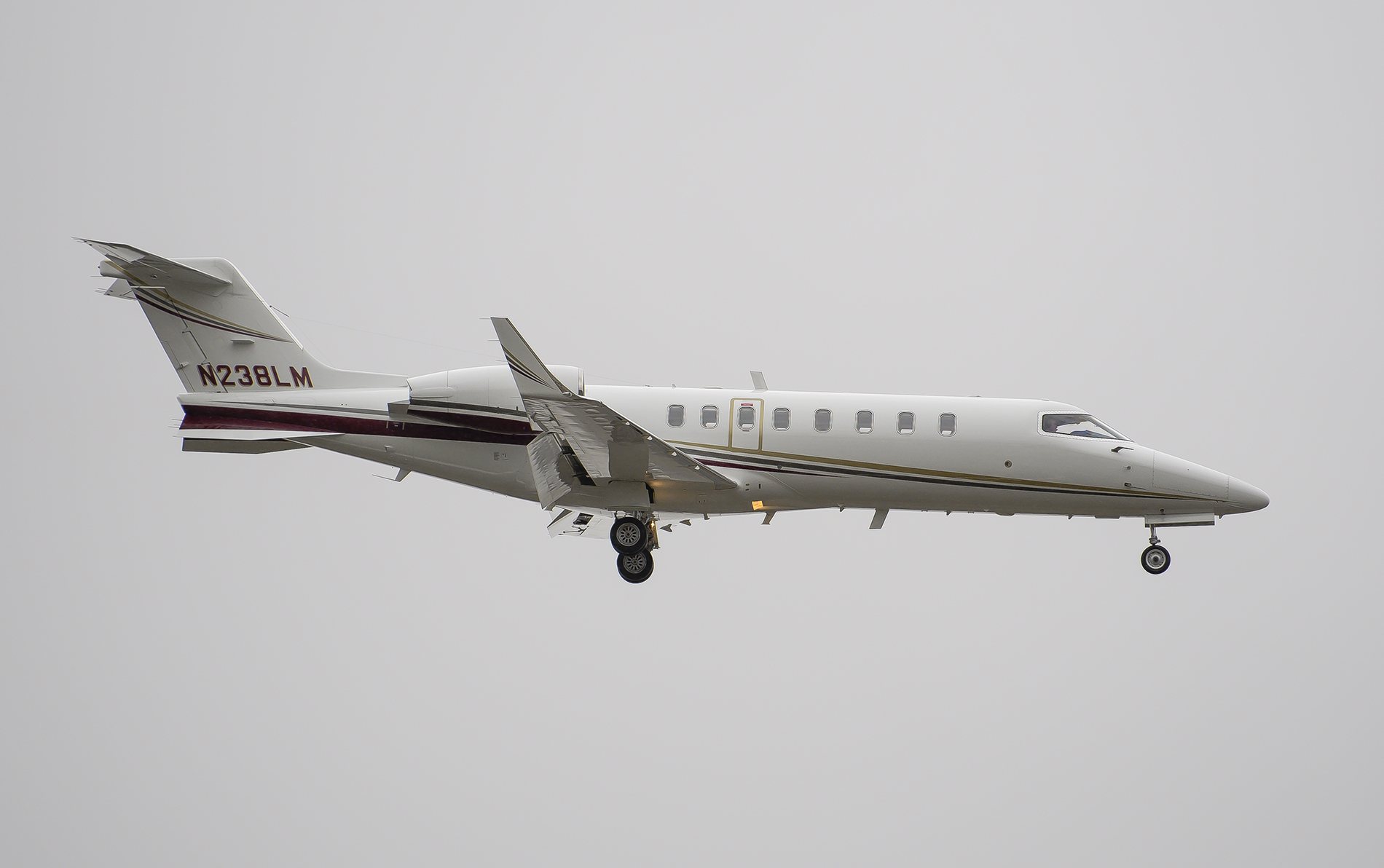
there are a lot of great photos in this thread, but a whole bunch which are so large that I find it unpleasant to look at, as even on a 2560 x 1440 resolution monitor I only see a portion of the shots, and have to resort to scrolling around. That's sort of counter-productive. Are these sized for those with 4K monitors, in mind?
Pavel wrote:
there are a lot of great photos in this thread, but a whole bunch which are so large that I find it unpleasant to look at, as even on a 2560 x 1440 resolution monitor I only see a portion of the shots, and have to resort to scrolling around. That's sort of counter-productive. Are these sized for those with 4K monitors, in mind?
I think they're not sized, and that's the problem - Just full-res shots dropped in. I notice this in many/most threads here, and it's unfortunate because for most of them I will just scroll right on by, unless I notice the post has a large amount of 'likes'. Only way I've figured out for viewing the full image is opening the specific image in a new tab, where it's resized to fit the browser window (in Chrome and Safari, at least).
darthalal wrote:
I think they're not sized, and that's the problem - Just full-res shots dropped in. I notice this in many/most threads here, and it's unfortunate because for most of them I will just scroll right on by, unless I notice the post has a large amount of 'likes'. Only way I've figured out for viewing the full image is opening the specific image in a new tab, where it's resized to fit the browser window (in Chrome and Safari, at least).
A few of my recent D500 shots...
Due to the common use of 1440 and 4K monitors today. Most people are posting in formats more appropriate to those sizes. If the photo is too large for your screen just click on it. The forum will resize to fit. Or, get a larger monitor.
FM only cares about the size of the file not of the photo. Personally I see this as a big advantage over other sites that only allow say 1024 on the long edge (which is tiny today when seen on a high res monitor), and requires a separate download to a new tab if you want to view it the way it was meant to be viewed.
And, I usually just scroll past photos that are too small as almost anything looks ok when posting to the web at such small sizes. I find that 1400-1800 on the long side is the sweet spot (IMO).
Jim8EL wrote:
Due to the common use of 1440 and 4K monitors today. Most people are posting in formats more appropriate to those sizes. If the photo is too large for your screen just click on it. The forum will resize to fit. Or, get a larger monitor.
FM only cares about the size of the file not of the photo. Personally I see this as a big advantage over other sites that only allow say 1024 on the long edge (which is tiny today when seen on a high res monitor), and requires a separate download to a new tab if you want to view it the way it was meant to be viewed.
And, I usually just scroll past photos that are too small as almost anything looks ok when posting to the web at such small sizes. I find that 1400-1800 on the long side is the sweet spot (IMO).
...Show more →
My lowest resolution screen (apart from my phone/tablet) is 1440; the majority of the time I'm on 4k or a 2880x1800 Macbook Pro . It still happens. It's not really a 'my monitor is too small' problem. I'm not saying people shouldn't post high resolution photos - it's a photography forum after all. But there's no reason (that I'm aware of) the forum code can't/shouldn't resize gigantic images to fit the available space by default. If you want to zoom in and pixel peep, click on it. Seeing every pixel on a birds foot or counting individual blades of grass should be the optional display option, IMO, not the primary. If you have a 15k monitor and can view D850 photos in full res on your screen (obviously a gross exaggeration), then you lose nothing if this is the forum behavior. But everyone else gains. *shrugs*
Just like you don't want to click on every smaller photo to see a larger one, I (and many others - this isn't the first time I've seen this mentioned on the boards) don't want to click every humongous image to see a smaller one (or as is often more accurate; to actually see the photo in a meaningful capacity).
I just scroll past most images now, that are too large, and don't comment. There are exceptions of course. But mostly it's gets old fast, clicking, clicking, clicking and I often wonder what posters that post photos too large for my 27" Mac display or my 15" retina, think they are gaining?
The current numbers (august 2018) show that the percentage of users of the web that have 4k monitor resolution is a whopping 1.14 percent, while the greatest number of surfers use 1920x1080 screens (63.7%). 4.62 of the web surfing public has a larger screen than my choice of 2560x1440. Photographic enthusiasts will be more inclined to get very large monitors, but 4K is the exception by a wide margin, and so it's counter-productive vanity to get silly with posting resolution.
Get a larger monitor? I put quality display over size and think I will pass on the sage advice to drop two grand so I can see someones very nice picture in it's supreme web glory. If I can't take it all in at once time, I'm highly unlikely to click on it, when good photographs are much like grains of sand on the beach, and this is not supposed feel like work. Just in this one thread of 36 pages, there are probably an hours worth of clicking, so I can see if it's worth more than just scrolling by.
But, yes, there are some outstanding examples of the art here. The bird shots in particular make me feel both inspired and humble. If I had a hat on, I'd have to keep taking it off to some of you and what you are achieving with your gear, skill and passion.


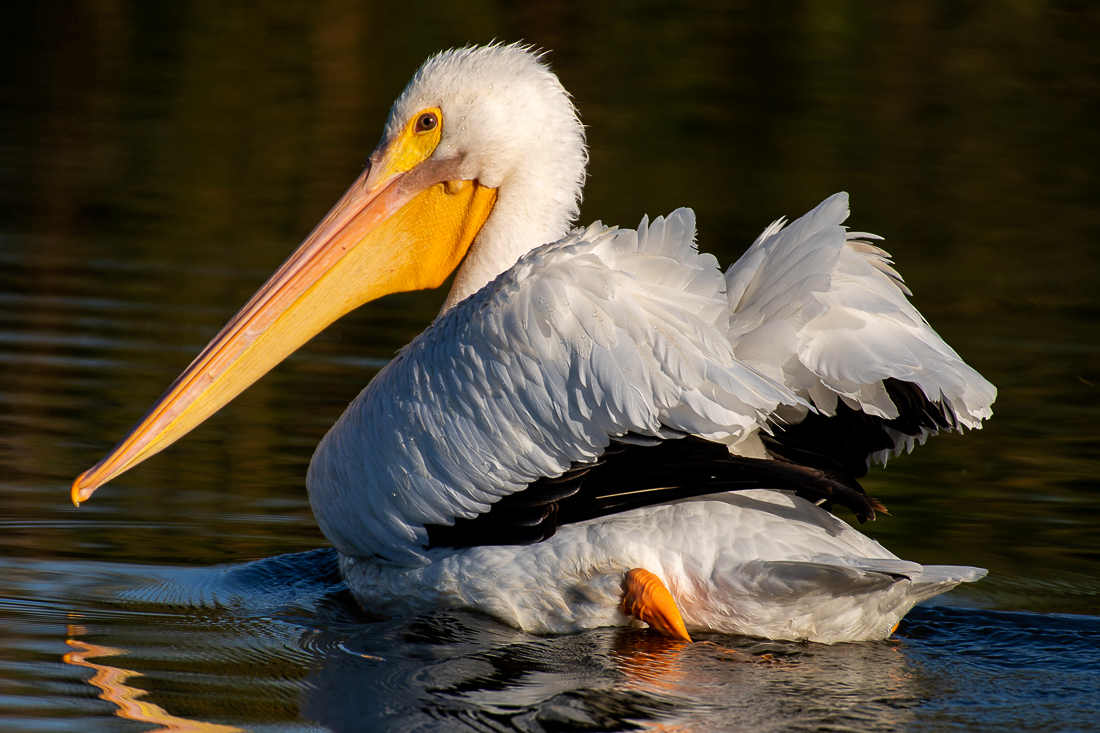
 If you have a 15k monitor and can view D850 photos in full res on your screen (obviously a gross exaggeration), then you lose nothing if this is the forum behavior.
  But everyone else gains. *shrugs*