Thanks all, birdied wrote:
Oh my that is gorgeous. Has a very painterly feel to it. Very nicely done. Do you mind revealing your technique ?
Birdie
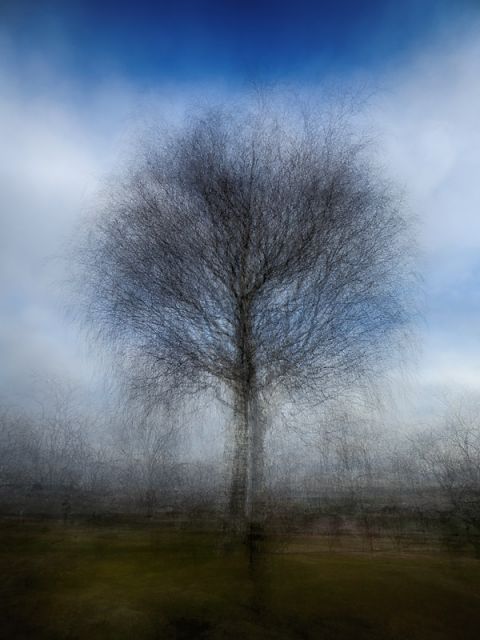
The technique is simple enough:
Shoot 10-20 shots around the subject, roughly same angle&distance.
In Photoshop "File->Scripts->Load Files into Stack".
Select your shots, and check the "Create smart object".Aligning the images isn't necessary.
Then select "Layer>Smart Object->Stack Mode->Mean".
The resulting image is a nice average blend of your shots, and probably needs some tonality adjustment
tools of your choice
It is also possible to enhance the effect by using longer exposure values, so that there's some motion
in the foreground. Blending such images can create a nice "tornado" effect
The technique is simple enough:
Shoot 10-20 shots around the subject, roughly same angle&distance.
In Photoshop "File->Scripts->Load Files into Stack".
Select your shots, and check the "Create smart object".Aligning the images isn't necessary.
Then select "Layer>Smart Object->Stack Mode->Mean".
The resulting image is a nice average blend of your shots, and probably needs some tonality adjustment
tools of your choice
It is also possible to enhance the effect by using longer exposure values, so that there's some motion
in the foreground. Blending such images can create a nice "tornado" effect
I love this image! Really great results! You can also get much the same (and other) effects using the multiple exposure modes in Nikon and Canon cameras as well as the smooth reflection app in Sony cameras.