For the last several days I've been pursuing this thread. Primarily to get ideas, check out others work and particularly get an idea of camera settings juxtaposed against photo's I really like. Homework if you will I find myself over the top curious at some of the shots that I like, many shots with no movement, with a soaring shutter speed. It's almost to the point that a majority are way, way higher than I might have chosen for myself. For shots with no movement I generally try to shoot a 1/60. I might bump it up a bit depending on the environment. I might go 1/250 if there's slow movement. 1/500 if there's brisk walking (ect) and upwards from there.
Here I'm seeing 1/1000 and up (consistently) even for stills. The pictures look fine but as I said I'm just beyond curious as to why, especially considering there's so many captured that way. I feel like I'm missing something.
This is a picture thread, but I have a small question to ask. I have fairly new X100V and I purchased also WCL-X100 for wider angle. WCL-X100 is sharp and image does not visibly degrade - at least not much - but there is one big problem.
I am Capture One user, and this program apparently does not have WCL-X100 lens profile. The result is plenty of barrel distortion. I mean the distortion is easy to notice! I have tested, distortion is normally corrected in jpg and Lr/Ps. Is there a way around this problem in Capture One?
Otherwise X100V is nice camera. Been shooting family and everyday stuff with along with some landscapes.
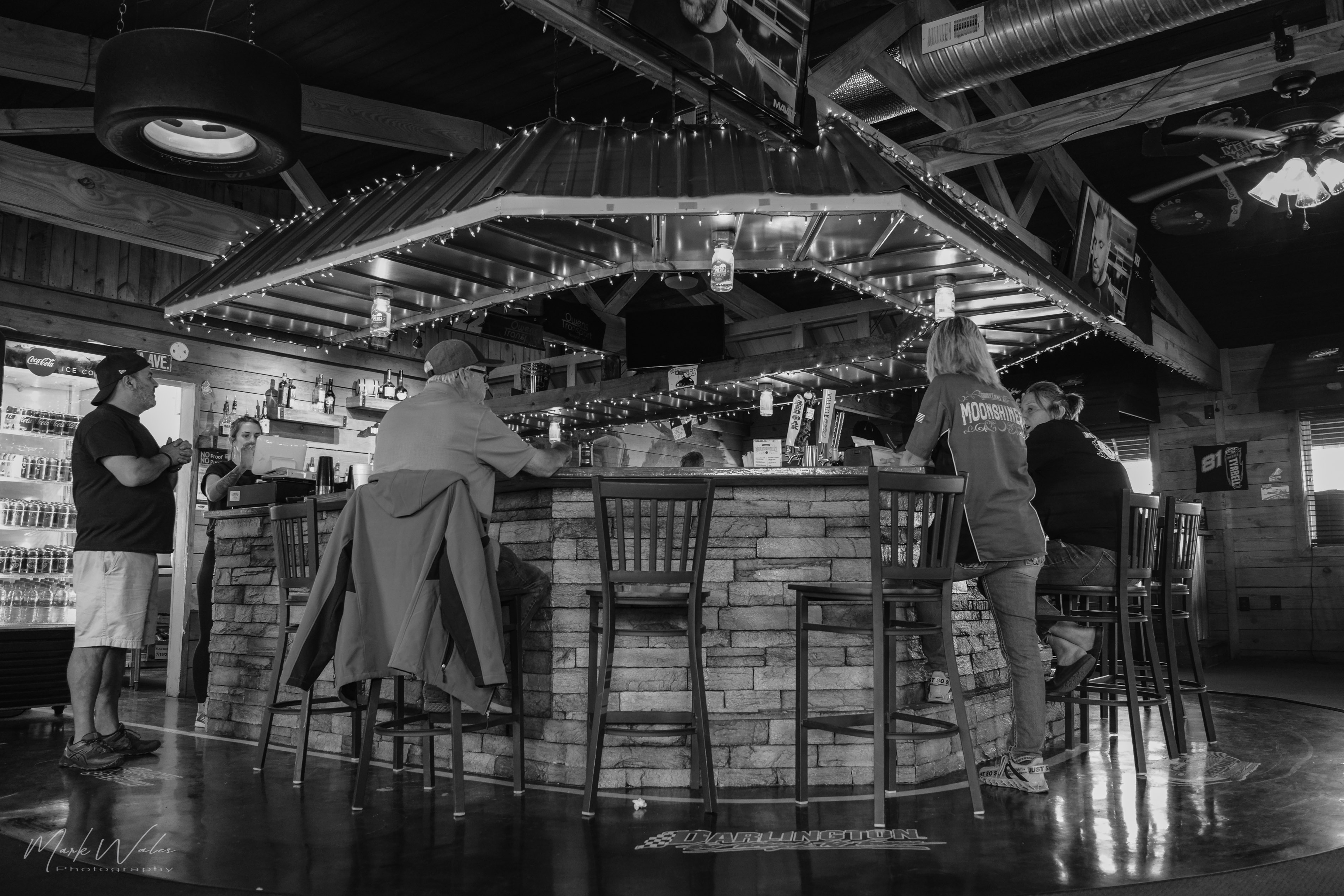
A little quiet here I have been documenting my daily life with X100V, mostly people. Sometimes I shoot landscapes and weather just for the fun of using this little camera. I immediately regretted selling the X100F and coming back to X100 cameras with the V, has made my life a little better.
tuomkok wrote:
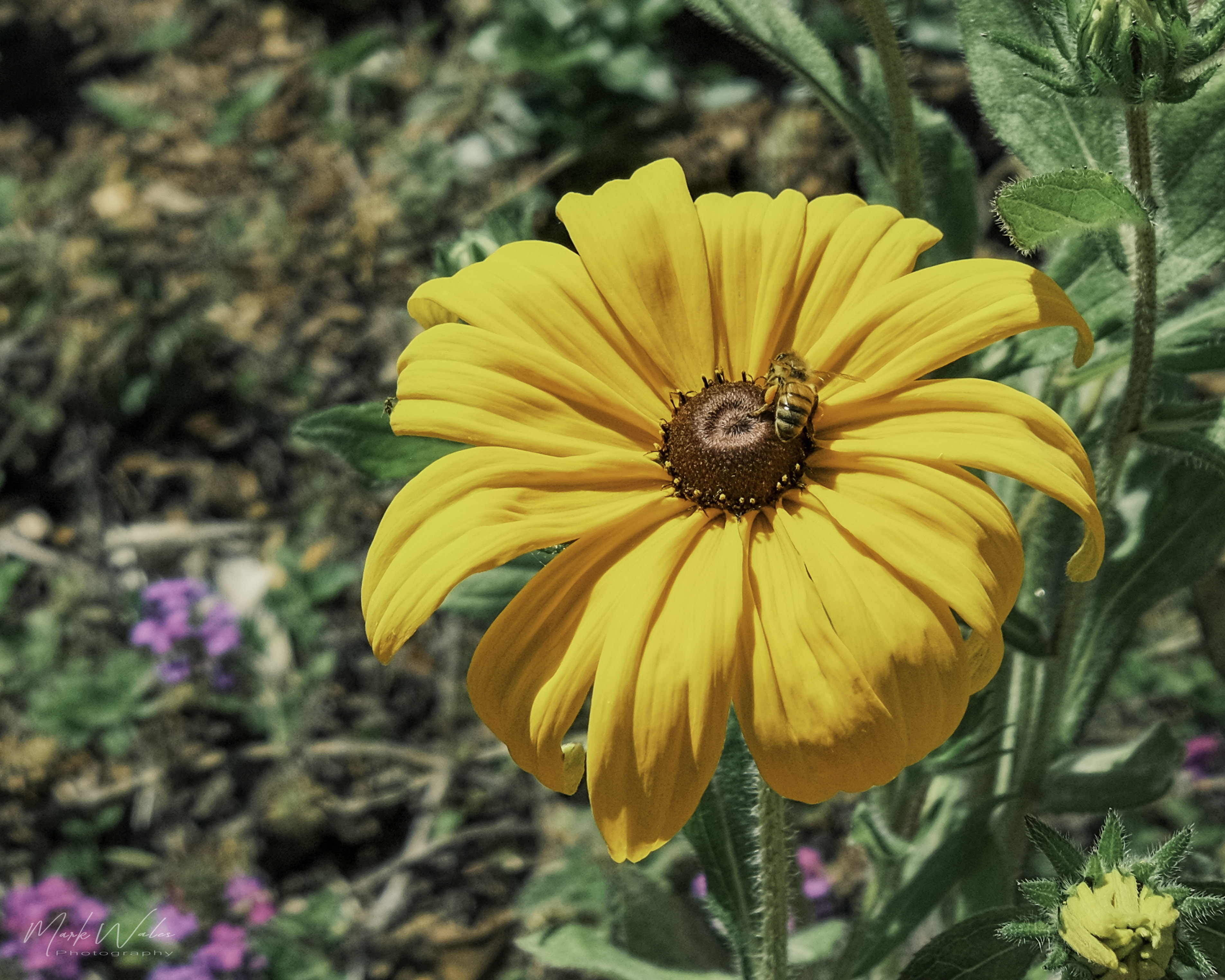
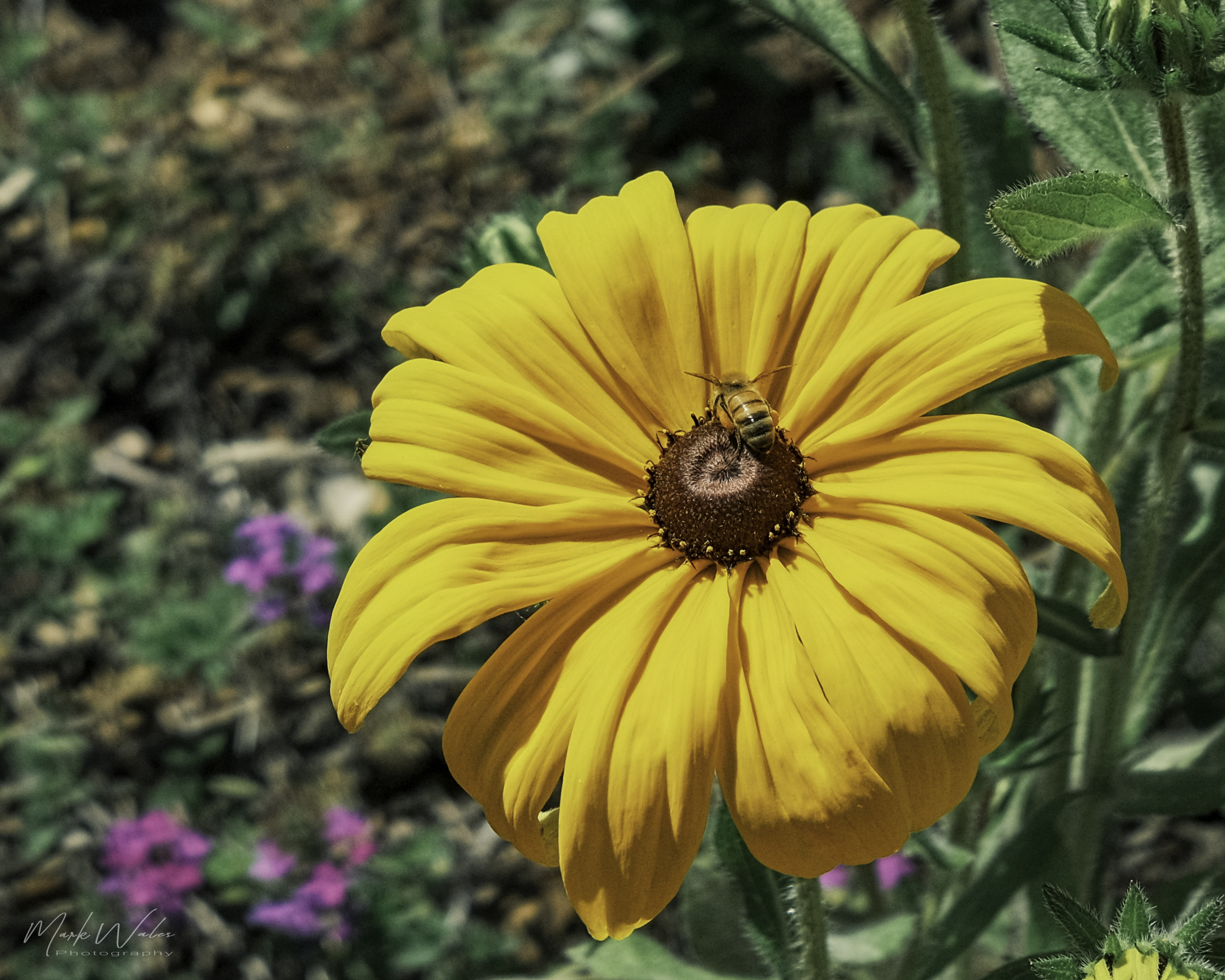
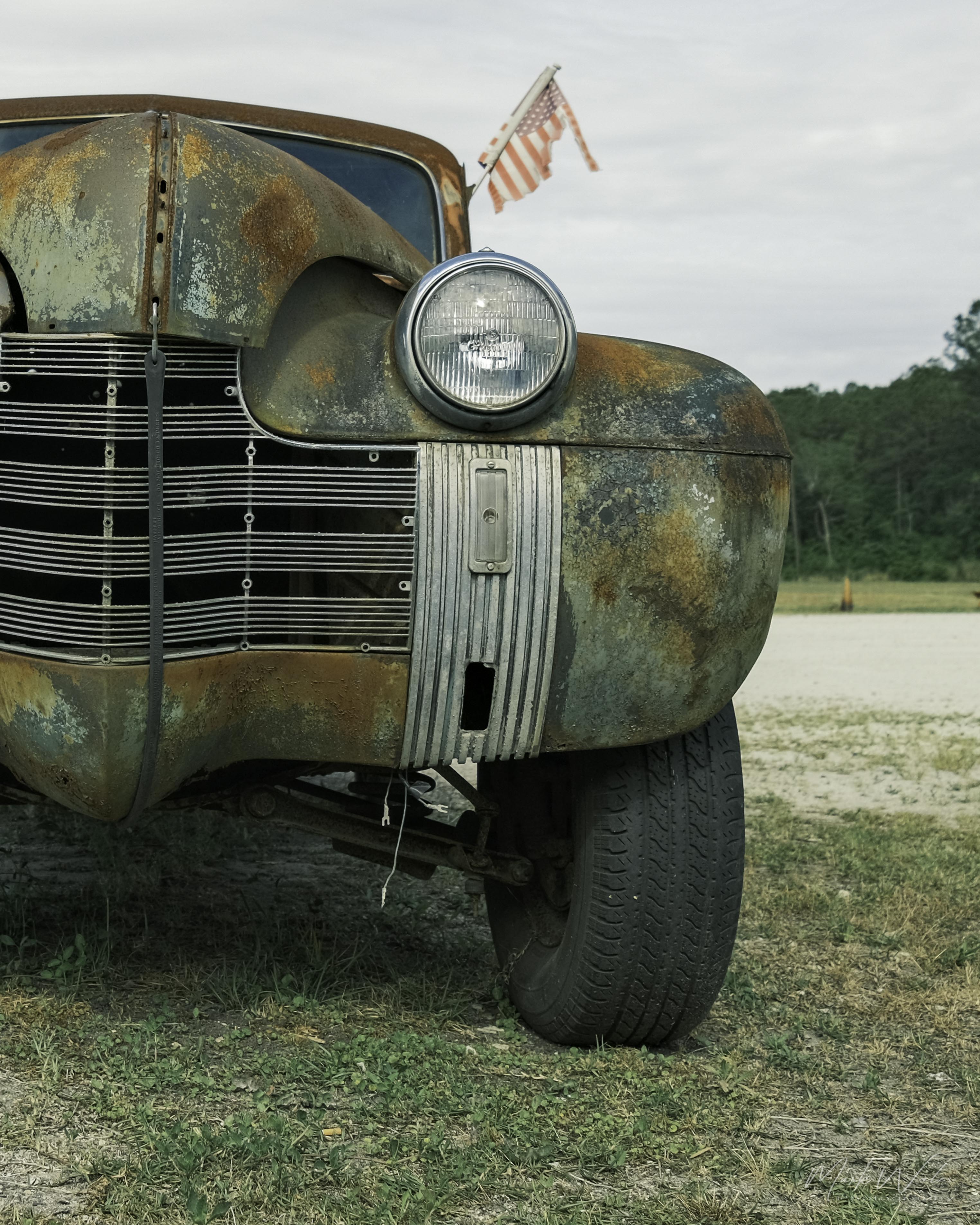
Recent pictures with X100V. Last one is with the wide-angle adapter. I found a work-around of how to do the distortion correction in C1.
For distortion correction with the converter in C1, provided the EXIF data shows the converter in use, just choose 'manufacturer profile' in the lens profile section. (distortion slider to 100)


 I find myself over the top curious at some of the shots that I like, many shots with no movement, with a soaring shutter speed. It's almost to the point that a majority are way, way higher than I might have chosen for myself. For shots with no movement I generally try to shoot a 1/60. I might bump it up a bit depending on the environment. I might go 1/250 if there's slow movement. 1/500 if there's brisk walking (ect) and upwards from there.