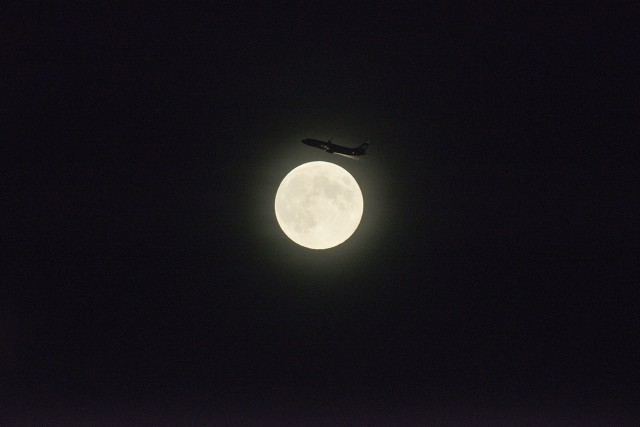
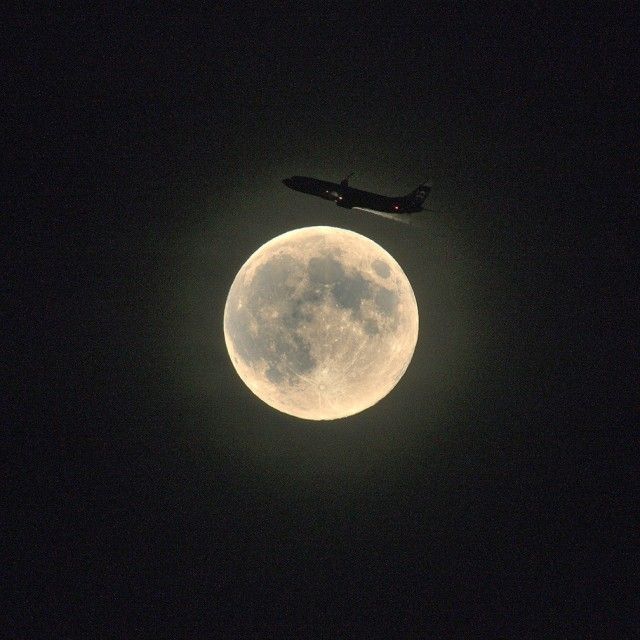
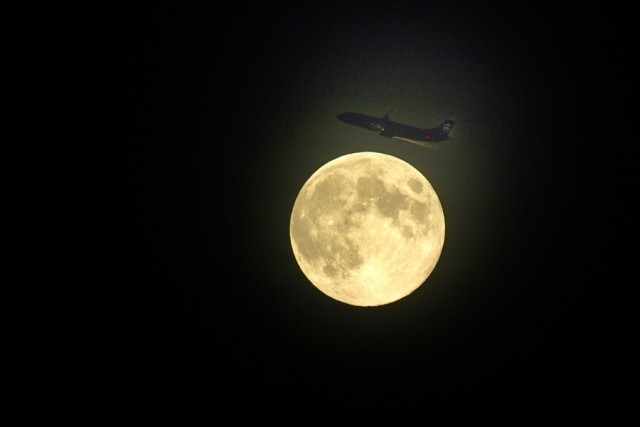
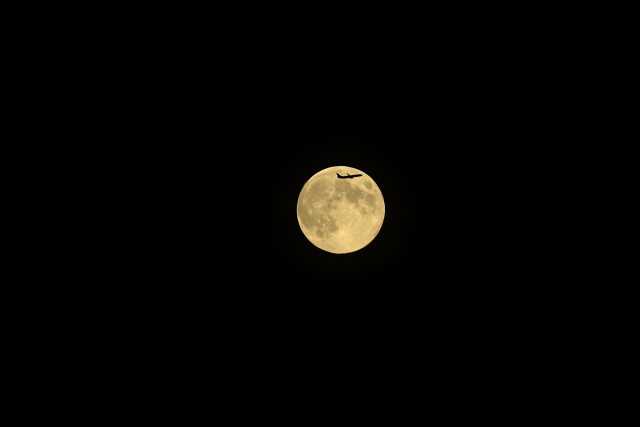
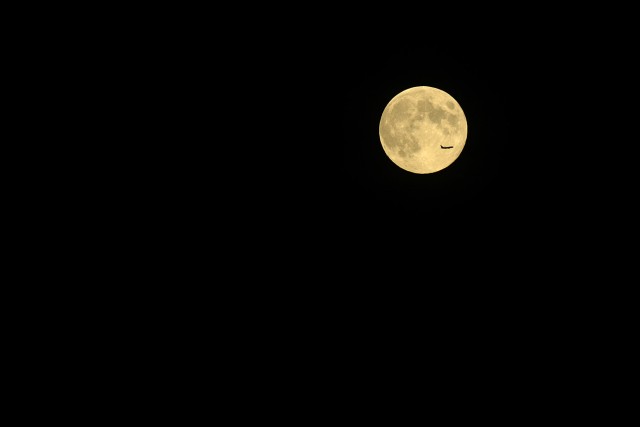
I took this shot of a plane passing just above the moon and I can get it to look OK, but I'd like it to look much much better - something similar to what you see below.
D800 + 400/5.6 ED + TC14E
Could some of you take my NEF and give it a go with your awesome post processing skills to see how much better you can make it look (I want to be able to see the airplane without blowing out the moon). You can actually see that it's an Alaska Airlines plane via the tail logo.
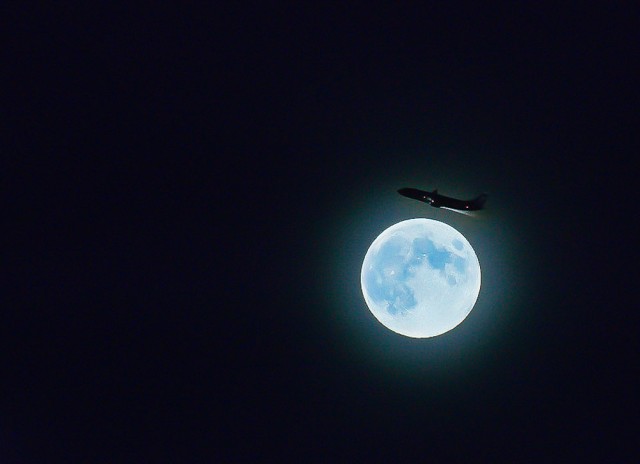
Here's mine. I don't have CS on the laptop I'm using so this is LR4 only. God LR4 is horribly slow when using adjustment brushes. I actually prefer your rendition to mine...for yours I would just layer out the noise away from the moon, using a spiral graduated brush so that it's natural looking..plus also reduce the highlights+exposure of the moon to bring out some of its texture/color.
For mine I created a faux extra ring around the moon, primarily to serve as the necessary backlight so that the plane would have an outline and secondarily+tertiary to give the moon a flare type look plus serve as a rough boundary for NR I applied to the entire image minus the plane/moon area. I adjusted the exposure/contrast of the moon more to my tastes and did all kinds of exposure adjustments to the plane.
However, f/8 and 1/250 second at ISO 200 would have given us a lot more to play with. Can you please shoot it again? What?
Seriously, I think you’ve done as good a job as any, John, but I opted to bring out the detail in the moon with the Curves tool (in Aperture, since I know how to use it there), and dodge the tail to brighten the logo. You’d still need to use your imagination to identify the airline.
I rotated the photo 5 degrees for extra jauntiness, and cropped to something similar to leighton w.
Loads of noise reduction beforehand, and white balance set to make the moon moon-coloured!
But from your posts, I suspect you know exactly how curves work.
A post-processing wizard who basically draws over the image from scratch, like the people who work on fashion images, could probably do wonders with this photo. But it wouldn't really be a photo by the time they'd finished with it.
Yes, unfortunately I needed to stop down one because I was using the 1.4X TC, thus f/8 turned to f/11. Then to get the jet frozen I had to guess 1/500 s would work - and it did. So I was kind of up against it in a couple of ways.
Makes a case for a 500/4 AI-P or a 400/2.8 AIS . . . .
Thanks for all the efforts - I have not tried pulling it directly into CS6 or LR4, but rather I did all of my curves, etc. in NX2, then exported to a 16bit TIFF for some additional tweaks in CS6 before some smart sharpen and downsize to the one I posted.
My friend has connections with upper management at Alaska and wants to send a version in to them!
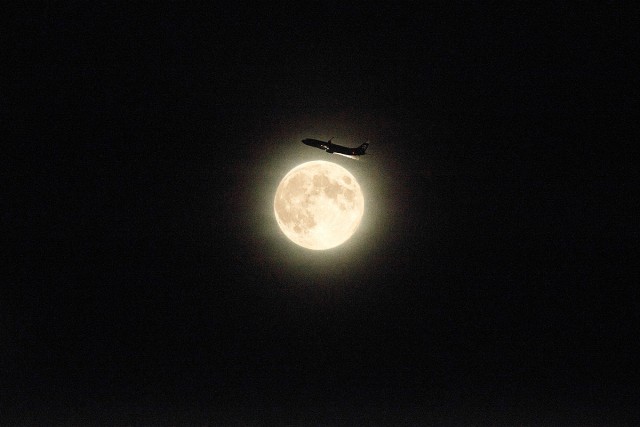
Here is a version where I masked off the moon and separately applied curves to the moon and the rest of the image and got something half-way decent, but I'm no PP expert for sure (this was done in NX2). I even tried going to B&W, but I like the color of the moon (which was slightly yellow due to being low on the horizon) and the navigation lights on the plane.
I'm trying to raise the shadows enough to see the tail logo if I can.
Got the NEF directly into Photshop by accepting all the default settings in ACR without any modifications. There are million different ways to achieve the same results in Photoshop as always. I just ran Shadows/Highlights command to bring down the brightness of the surface. Ran the Exposure command to change the Gamma value a little bit to show the plane. Reduce a bit noise and then put on a linear gradient layer for the mood. No cropping/sharpening done because I feel that's the photographer's call.
John, On pages 132-136 of the D800 manual it shows how to manually set up an auto exposure bracket. I would suggest a 5 frame exposure set of -2, -1, 0, +1, +2. Then again - you can manually do it in two shots by exposing for the plane first, and then moon asap after the plane shot. I'm assuming that the airport and moon rise will be in similar positions for the next few days.
James Markus wrote:
John, On pages 132-136 of the D800 manual it shows how to manually set up an auto exposure bracket. I would suggest a 5 frame exposure set of -2, -1, 0, +1, +2. Then again - you can manually do it in two shots by exposing for the plane first, and then moon asap after the plane shot. I'm assuming that the airport and moon rise will be in similar positions for the next few days.
No I know HOW to use bracketing, but I don't know how to use it effectively for a shot like this. Bracketing is not the answer - its the amount of light on the plane vs. the moon.
In order to get the plane exposed correctly I would have had to slow the shutter speed way too low to get any reasonably sharp image of it - besides the problem of framing the plane in the image. The plane passes through the FOV in about 1 second (maybe less).
Basically I was stuck with both a very bright object and a very fast dark object in the same frame and I chose to expose the moon OK and get a sharp plane.
Again, this particular image was the most difficult due to the plane being just off the disk of the moon, but that's what makes it interesting. I may give it a go again tonight, but try it a bit earlier in the evening to get more photons on the plane.
A few more successful, but less interesting shots:
John, your original is at f/11.0 - 1/500 sec - 800 ISO, and has two problems. One, the plane didn't get enough exposure, and two; the moon got too much exposure. Raise the iso (which can help with DR), open the lens up, and lengthen the shutter speed a bit to get more detail on the plane. Then properly expose the moon before the plane gets there, or soon afterwards so that the details aren't blown. Then combine the images in Photoshop. I'm not sure if the aura around the moon is lens flare, or atmospheric - but it adds to the image, and may be worth a third shot to get that element as well...with a smooth gradient. I am looking at these three elements of the image separately - you do not need to collect them all in a single shot. The plane is the only critical one in terms of timing. I thought auto bracketing would help you collect the variety of exposures you needed with minimum fuss, but you don't have to do it that way.
I imaged your raw file three separate times - then combined them + some Photoshop to produce what I posted. I was just trying to help, because I like the image. I just was thinking out loud about what I would do differently to improve it, and I didn't mean for it to come off sounding critical.