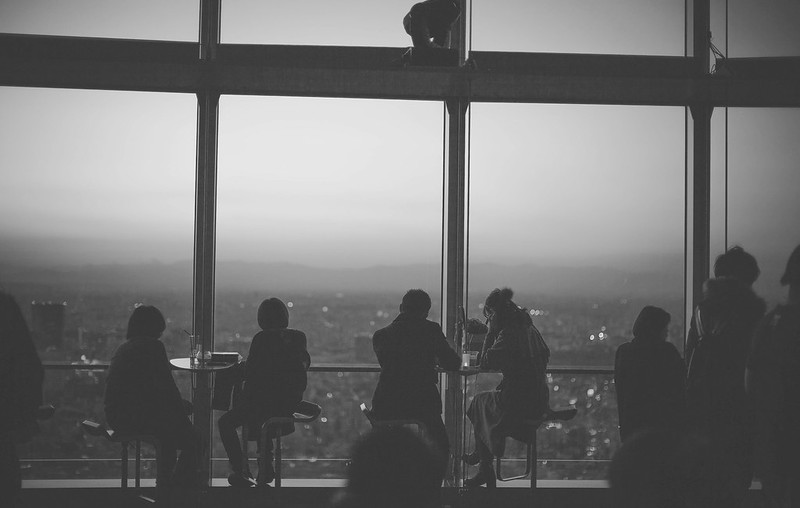
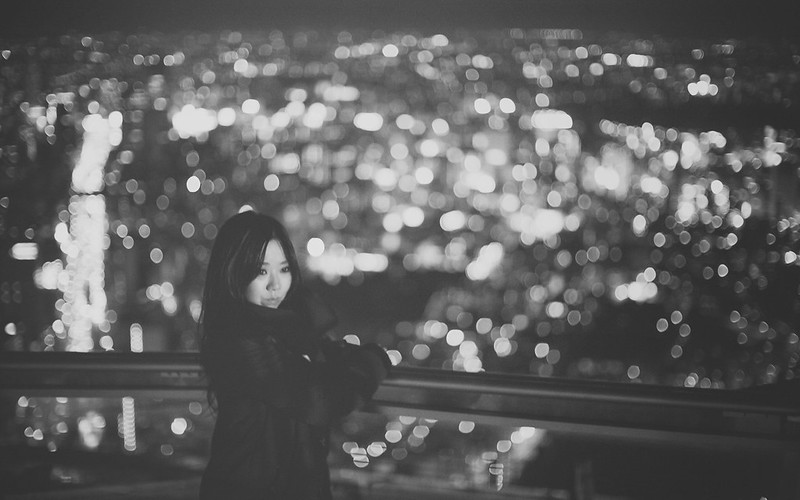
p.1 #7 · How to do soft tones dreamy look/washed out look? Lightroom4
In any program with "Curves", you can get the "washed out" look by pulling up on the left-hand endpoint of the Curve and pulling down on the right-hand endpoint of the curve. Most software, including Photoshop and Lightroom, has some form of Tone Curve to do this. There are many other ways but this is one of the simplest and easiest to explain.
Often you will see this effect combined with a sort of duotone overlay to try to create some kind of pseudo-film-look. You can do a version of that in Lightroom by using the Split-Toning panel. Usually you make the shadows go slightly blue/cyan and the highlights go slightly red/yellow.
The effect can be over-used and you should really think about why, when, and where you want to use it. It can be a good way to make your expensive DSLR look like a 6-year old cell phone if you're not careful.
In the future, it's always helpful if you can mention what software you use when you ask these types of questions.
Feb 13, 2013 at 01:47 PM
a.RodriguezPix Offline • • • • [X]
p.1 #8 · How to do soft tones dreamy look/washed out look? Lightroom4
p.1 #9 · How to do soft tones dreamy look/washed out look? Lightroom4
Eyeball wrote:
In any program with "Curves", you can get the "washed out" look by pulling up on the left-hand endpoint of the Curve and pulling down on the right-hand endpoint of the curve. Most software, including Photoshop and Lightroom, has some form of Tone Curve to do this. There are many other ways but this is one of the simplest and easiest to explain.
Often you will see this effect combined with a sort of duotone overlay to try to create some kind of pseudo-film-look. You can do a version of that in Lightroom by using the Split-Toning panel. Usually you make the shadows go slightly blue/cyan and the highlights go slightly red/yellow.
The effect can be over-used and you should really think about why, when, and where you want to use it. It can be a good way to make your expensive DSLR look like a 6-year old cell phone if you're not careful.
In the future, it's always helpful if you can mention what software you use when you ask these types of questions....Show more →
Thanks, I'll try this out and see how it comes out.
p.1 #10 · How to do soft tones dreamy look/washed out look? Lightroom4
Yep, just lift the shadow point in curves. To change the tones to film, muted style play around with R G B curves and/or split toning. Sometimes you can get a washed out look shooting towards the sun as a backlight shot.
p.1 #12 · How to do soft tones dreamy look/washed out look? Lightroom4
Another way to skin the cat...
if you're working in ACR, you can use the Adjustment Brush if the area you're working on is relatively small. You can get a soft, hazy, "dreamy" appearance by bumping the exposure up a bit (e.g., +0.50) and backing off on the saturation, sharpness and clarity (start with -25 for each of these and play around). The Brush can be set for size, flow, hardness, etc, so you can dial in how much/how little effect you want with each pass. Once you've "painted in" the area, you can adjust the various sliders to wax/wane the effect visually.
Beauty of all of this is that the changes in ACR are entirely non-destructive, assuming that you're working with a raw or DNG file.
Import it into PS, and you can further process as outlined in previous posts.
p.1 #13 · How to do soft tones dreamy look/washed out look? Lightroom4
I have a friend that makes a pretty solid living shooting backlit, washed out photos of kids with a duotone preset like Eyeball explained, applied to every... single... photo.