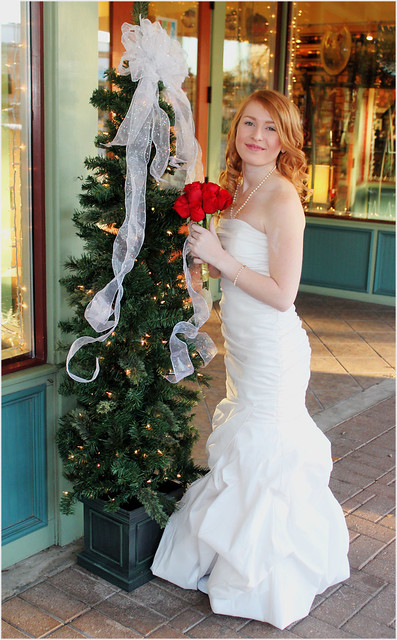
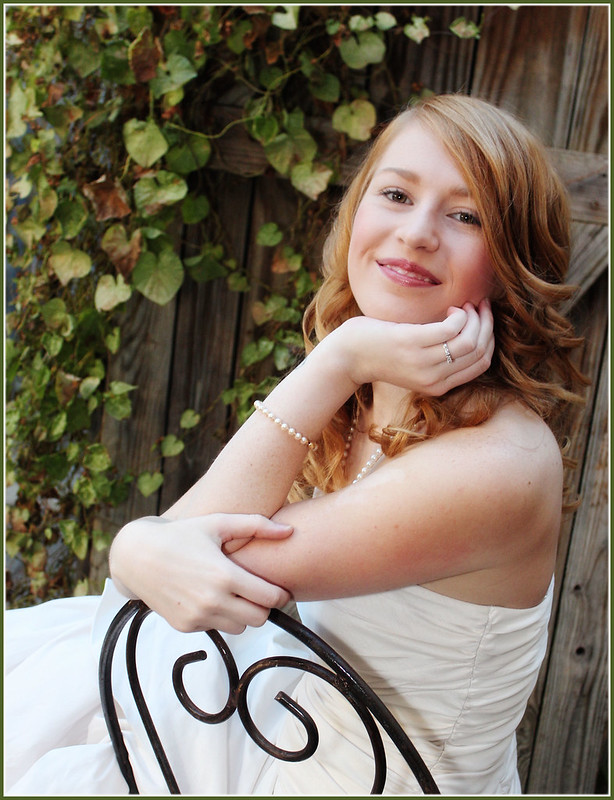
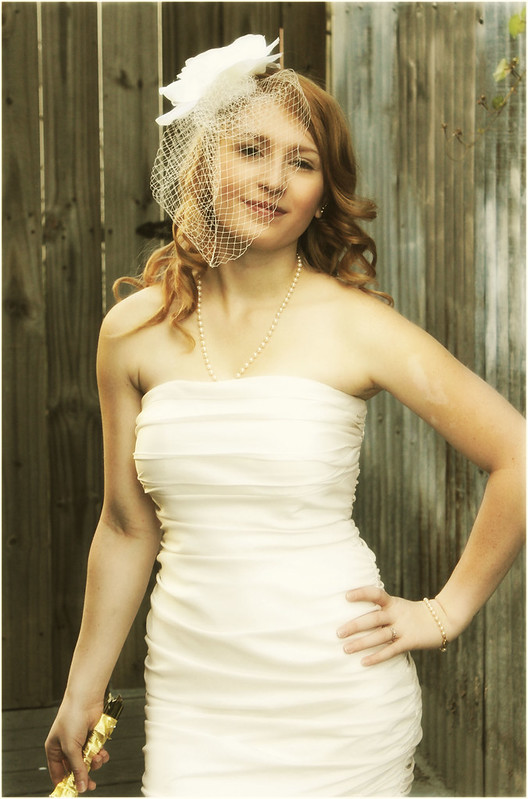
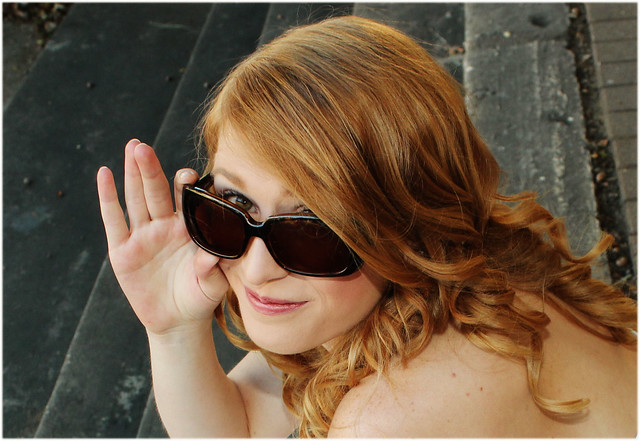
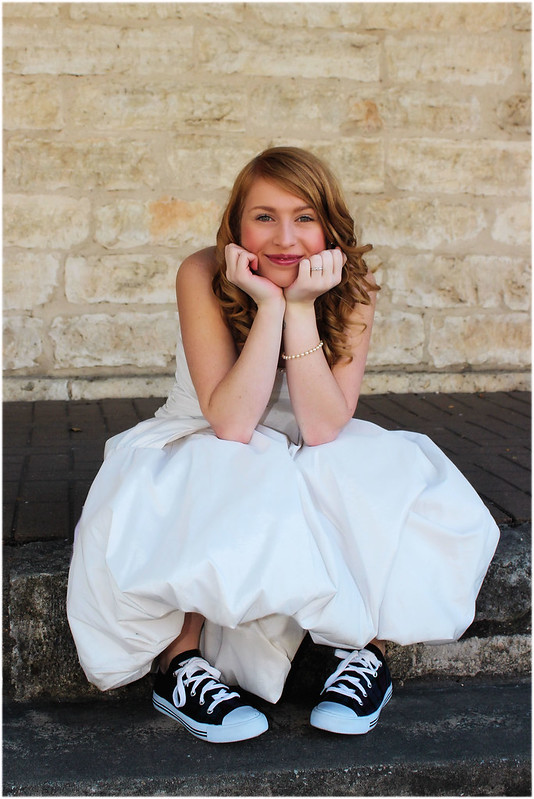
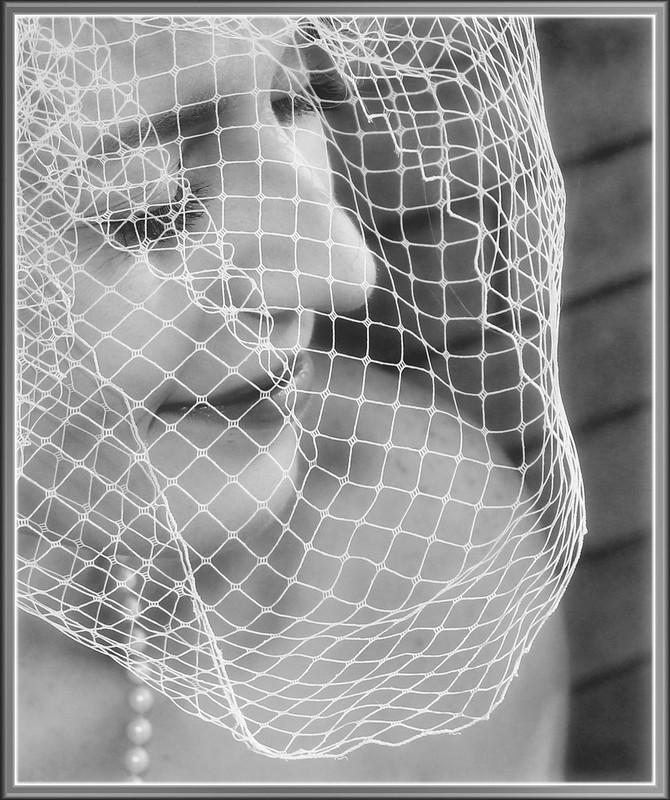
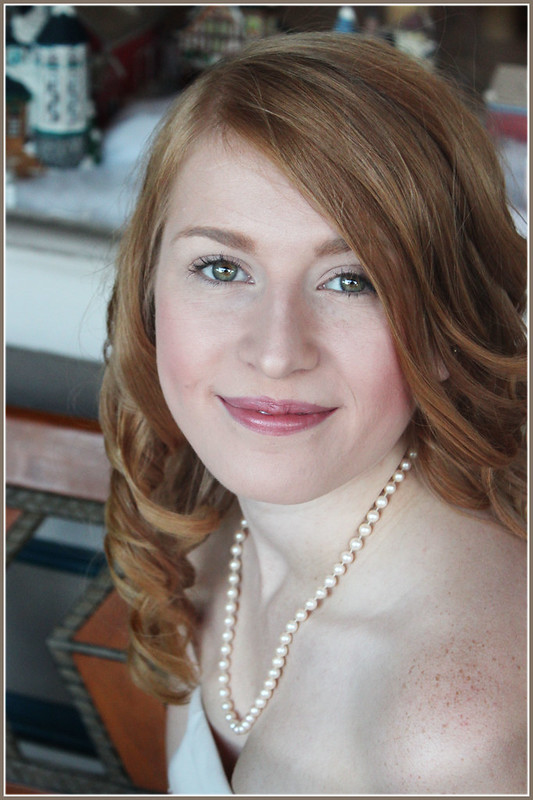
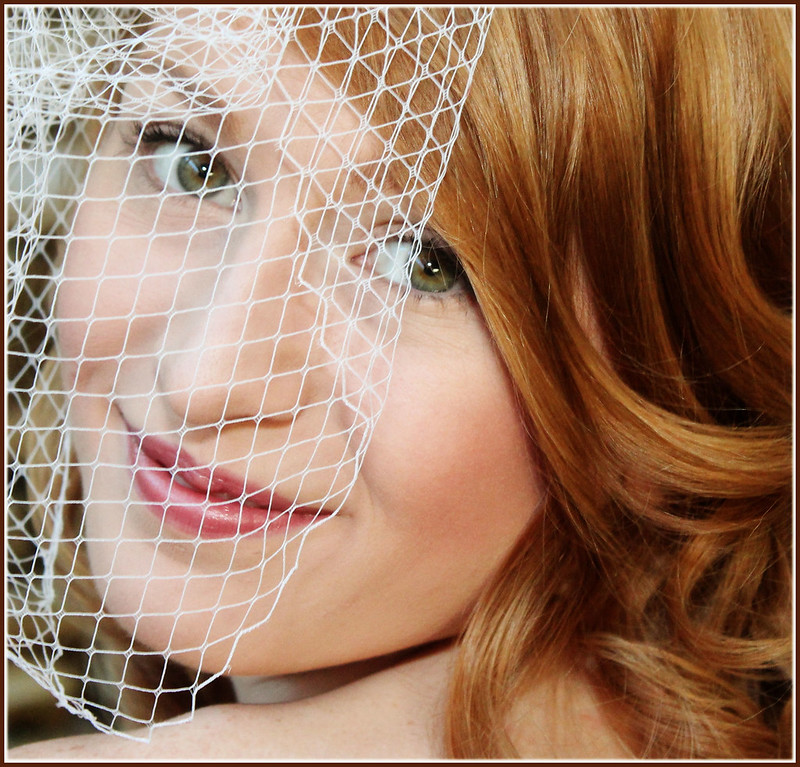
Took Lucy to the courthouse in Georgetown, TX for her bridal pictures. Wanted to go into the old courthouse for shots, but it was closed for memorial day, so we had fun finding other places around the little square.
My comments or suggestions below are not a criticism of you, your model, your talent or skill. I offer them in a friendly tone of voice and with the sole intent to help you with a second POV and set of eyes. If you read sincere questions and simple suggestions as "criticism" of you, then you will miss how I am trying to help you.
Of course this may be your own "style" or your own "vision" and I suppose we can assume that the images look just like they do because that is exactly how you like them. That is OK too. It just shows that there are differences of "opinion" on what looks good. IF these are exactly what you want and like, then by all means continue making your images look like that and have fun doing it. I can only speak for myself and what I do or do not find appealing in the posted photos. As I always say: "Follow your own muse."
_______________________
She is pretty, and that always helps a photo.
Pretty dress too. So, lots of potential.
_______________
Quick Comments:
Check the skin tones and image warm/cool temps as some seem to be varied (see her hair color). For example the last image appears "too cool" to me.
Also, the big gold frame overpowers the image in my opinion. And in that image it appears there are some artifacts showing. Take a look at her arms and edges etc. In short, the image has potential, but as posted it looks lower in quality than the others.
Other than that, I like the photos as it appears she is having fun with the photo session and I always like to see that in photos.
You have some nice images here, Valerie. My favorite is probably the veil shot followed closely by the shoes shot.
Some of these could be improved quite a bit with some additional post-processing. The first shot by the tree, for example, could be improved IMO with a subtle dark vignette around the edge of the frame and a lightening of her face.
The combination of her hair hiding part of her forehead, your shooting from a somewhat low position, a focal-length just barely long enough to be optimum for a portrait, and sometimes very diffuse lighting has widened the bottom part of her face in some of these. You can see this particularly in the "lady in red" shot and it becomes a little more noticeable when it is compared to a shot like "in the alley" where the longer subject-to-camera distance and the increased facial sculpting of the light has helped avoid the "jowly" appearance. You could do some dodging and burning to the face in the "lady in red" image and correct some of the effect if you wanted to invest the time.
The alley image is very, very nice where the lighting is concerned. What brings it down a little for me is an expression that is starting to look a little bored/tense and the bouquet stems in the hand. A tiny bit more of twist in her pose might have been nice.
The shoes image is very cute. I would just again suggest a subtle dark vignette and a brightening of her face.
The frame shot just doesn't work for me. Besides the pixelation (possibly from re-sizing), the blown areas of her hair and hand and the way the light hits her nose are the negatives that detract from what is probably one of those "but I really, really want this image to work" images.
The pearls image is nice but the busy, almost-in-focus background combined with the offset face gives it more of a cellphone/snap-shotty quality than it probably deserves. I would try a subtle, dark vignette again and boost the contrast in her face a little. I would probably warm up the white balance a little, too.
Valerie, why not post this up in the wedding forum? You've given so many constructive critiques there in the past, I'm sure many there would love to return the favor.
Thank you for the comments and suggestions. I will try to incorporate them. The framed shot is not pixelated - I tried a painting effect on it. Not such a success, I guess. The alley shot is sepia toned to match an antique (real) frame she has for it. It looks timeless and appropriate there.