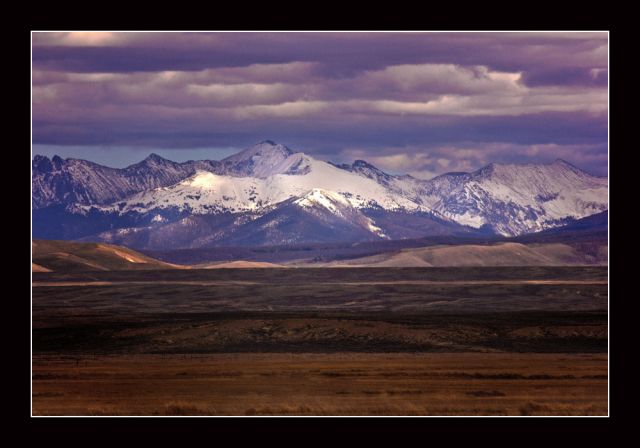
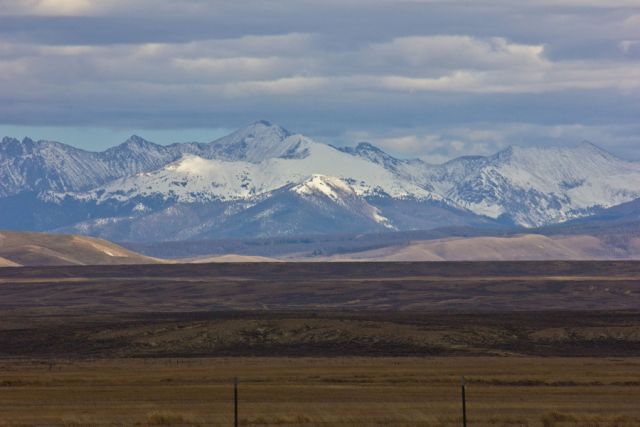
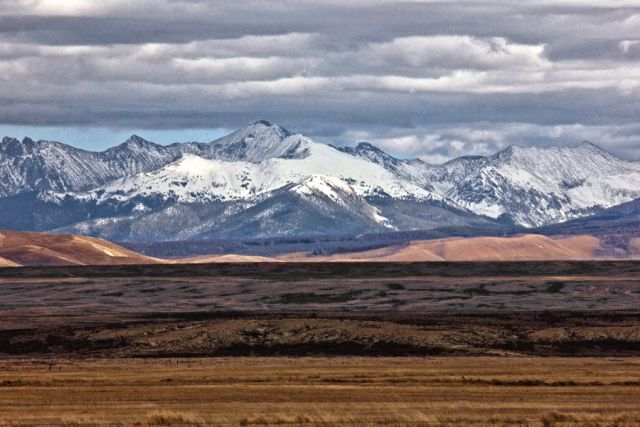
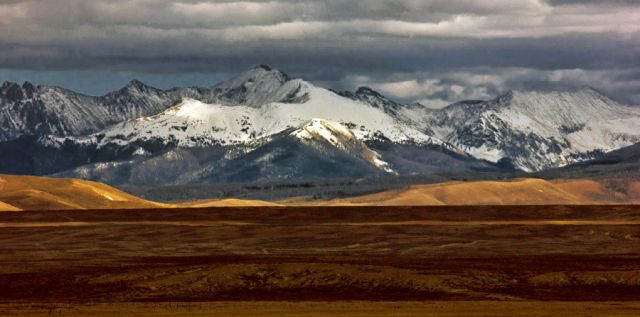
I have tried numerous times to process this image and only seem to succeed in making it worse. In person this was impressive but the image falls way short of my memory. The absence of foreground elements doesn't help. I would like an objective opinion and any suggestions for better processing. At this point I have done little expect try to settle on a white balance setting. The original out of camera was bluish and dull.
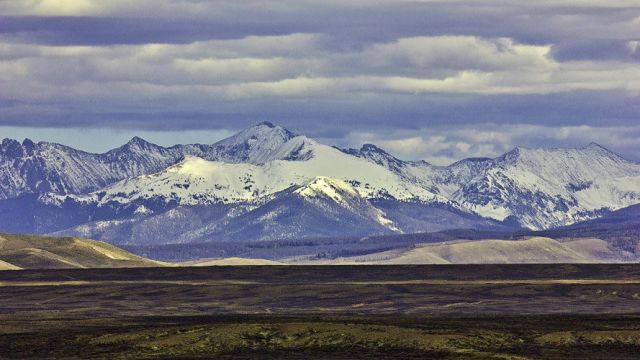
Here is my take. I opened it like a raw and applied the same process I list at my web page. But then I added a twist, I applied the yellow photo filter to get rid of blue/magenta cast.
Ben, thanks. Your version is definitely better but the colors still do not look right. Now there appears to be a greenish cast and the reds from the late afternoon sky have vanished.
Hi Kent is the cast expert. I failed that color test he showed a while back. It will be interesting to see how it ends up. I thought yours too magenta.
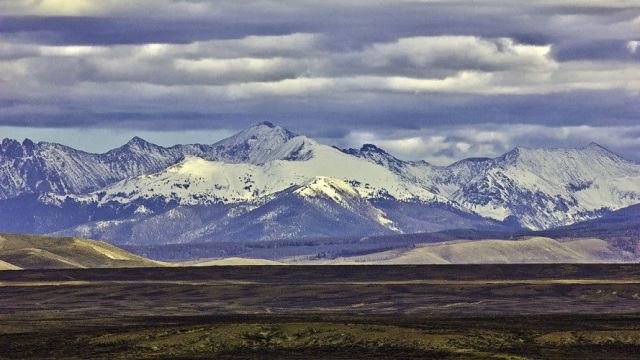
I used a couple of levels layers directed toward the foreground, a curves layer for the sky, color balance and some tweaks to the blues, cyans and yellows of Hue / Sat.
Yikes ... this one is a challenge to say the least.
I have about zero confidence in what I've come up with, but here's about the best I've managed ... without knowing what Jim saw. If Jim could do a "markup" on what he remembers, it would be interesting to see.
I think this one has four colors in play... blue / yellow & green / magenta being derived from the heavy overcast and I'm guessing a mountain range off to the right both acting as gobos from the cool overhead sky and warm direct light, so we get a four way mix, rather than a typical two or three way mix.
Oregon girl and RustyBug, thanks. Both versions are pretty close to what I wanted. I would give a slight edge to Kent's version. I like the warm colors in the foreground. Interesting comments. Anyway I am not sure what I remember seeing. I seem to remember a more reddish tint, but adding red causes a magenta tint which seems to get out of hand quickly.