fantastic shots! kept waiting to comment because i couldn't pick a favorite. still working on it.
as far as the sharpening goes, some just right and others a little overdone on my relatively new macbook, but when i look on my crappy 19" monitor at work they definitely look overdone.
okay, i really have to look a little bit deeper into the topic, could you point out those that look overdone?
I think this is a good chance to look a bit into individual tastes, monitor dependency and different sharpening scripts.
I'm not aware of your processing methods, but I very much like the balanced and realistic look of your shots. As for the sharpening, I think the landscapes are fine, but some of the forest shots with lots of detail and small foliage would perhaps benefit from slightly less aggressive steps.
FWIW, I'm looking at these on an Eizo Foris IPS display.
Phillip Reeve wrote:
okay, i really have to look a little bit deeper into the topic, could you point out those that look overdone?
I think this is a good chance to look a bit into individual tastes, monitor dependency and different sharpening scripts.
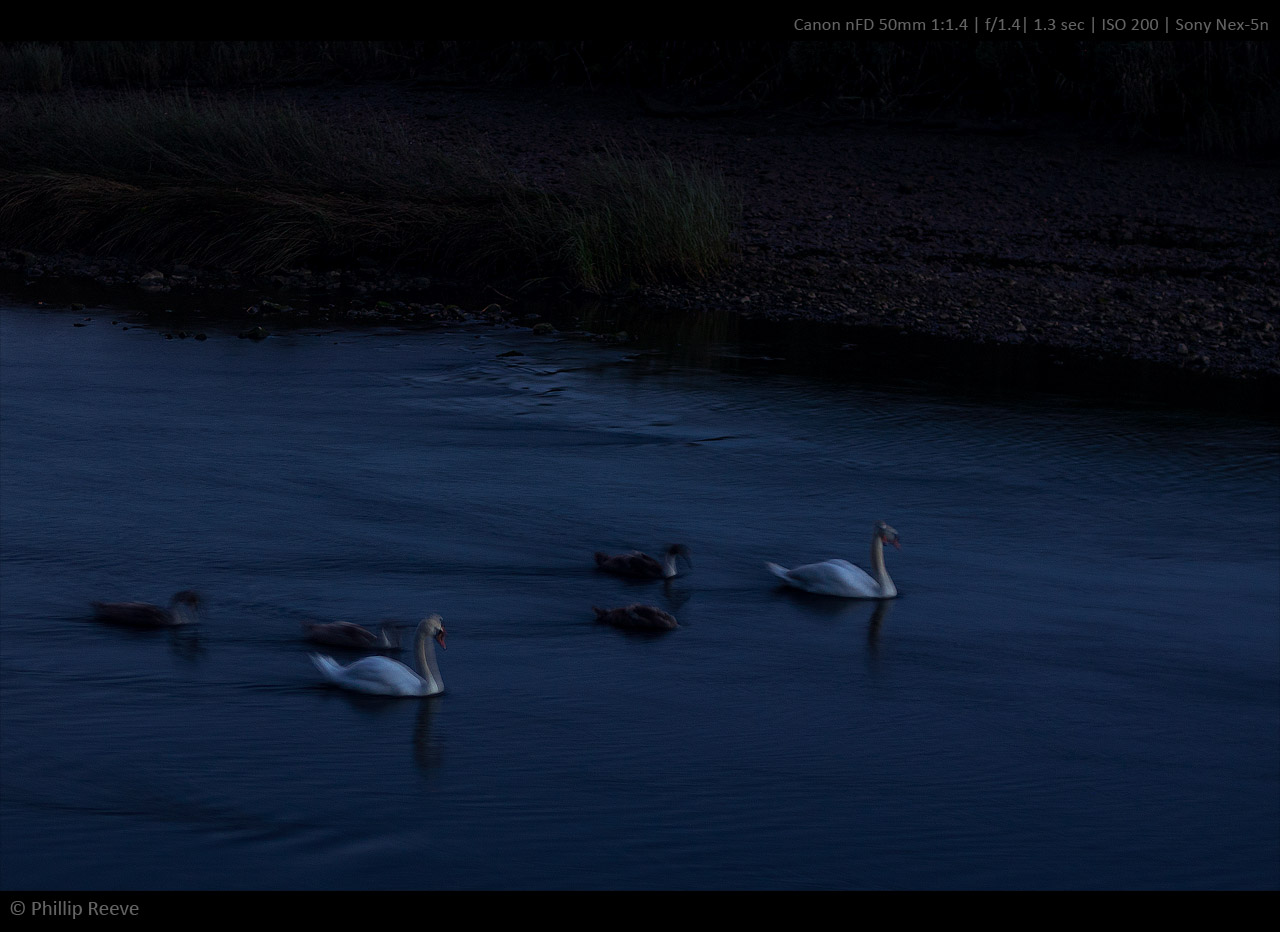
Maybe this isn't the best example since it's blurred anyway, but to me, the double image of the swan looks jagged?
Phillip Reeve wrote:
I would love a more landscape oriented meetup in germany or central europe!
What about a meeting at the Bastei, Elbsandsteingebirge (my favorite landscape spot in Germany so far), instead of Berlin? It's not too far from Berlin.
I will probably suggest this in the Berlin thread.
I really love your first image in the Torrent Walk batch, I would just crop a bit of the top part to remove some of the very light (and slightly distracting) elements.
Wont pick any favs, but I really do like some of the tree-D wood shots! (note the almost invisible pun)
On the subject of sharpness I think just a few here on FM that balance on the edge so closely but in 9 cases of 10 they look great on my screen, supersharp. And I think that is part of your hallmark Phillip, it's a style in itself so dont undo it too much.
Phillip Reeve wrote:
okay, i really have to look a little bit deeper into the topic, could you point out those that look overdone?
I think this is a good chance to look a bit into individual tastes, monitor dependency and different sharpening scripts.
Just look for contrast halos. Dark-ish tree or horizon edge against bright-ish sky... Zoom up a little and notice a 2 or 3 pixel hard halo. When you see that (or when others notice it) is makes them think the images are over-sharpened... Although that's pretty much exactly what you want for prints.
The other tell-tale feature is granulated shrubbery. This is also due to the hard halos but it's not necessarily seen as a hard line and appears to most viewers as granulation. Like someone sprinkled colored sugar over the texture or something.
If it's only the the horizon lines or a simplistic tree with external border halos (as opposed to the inner halo granulation) you can often just use the smudge tool in darken or lighten (as required) to eliminate them. Of course it's better to use a sharpening plug-in that doesn't cause them in the first place.
If you don't wanna be bothered using plug-ins one method that works a little better than usual is to convert the image to Lab color space, select only the grey channel, turn on the "Lab" eye so you're seeing color, and then use "Smart Sharpen" until you get the desired amount. After you get the right amount I would recommend running the Fade tool and lowering it to about 80% or 75%. The conversion, selection, Color view, Smart Sharpen (w/ GUI), and Fade (w/ GUI) can all be put into your script. The GUI makes those steps interactive too - so you can tune for each image only adding a few seconds to the processing times.
sandycrane wrote:
AhamB:
Phillip's photos have a certain zing that I really like.
To tell you the truth, I don't know what you mean by halos.
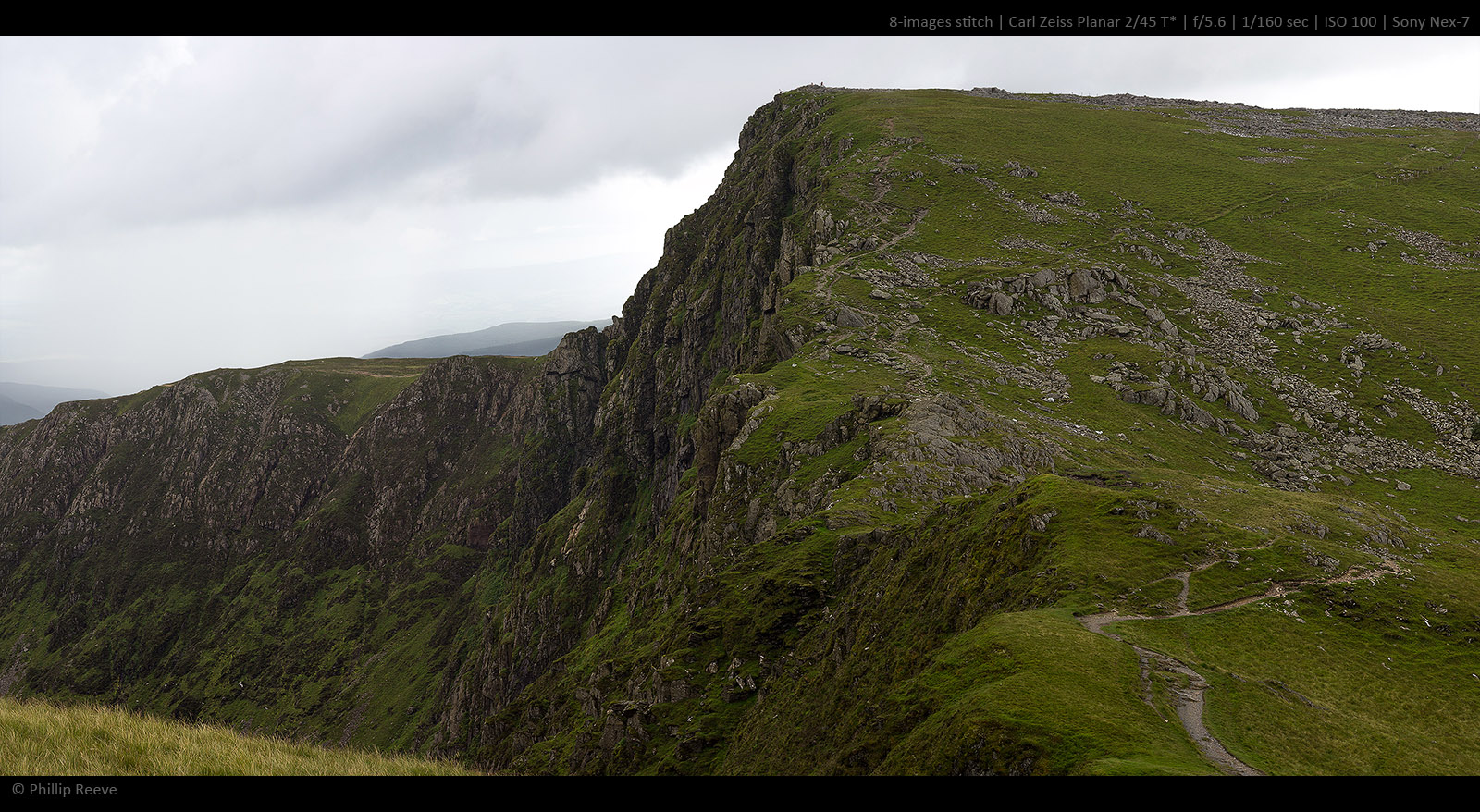
Too bright edges on nearly each of the pictures with mountain ridges in them. Also, the seagull also has a nearly black outline (doesn't look too bad but it could be cleaner without losing the sharp look).
I do like that "zing" of a properly sharpened image but visible artifacts like these are a bit disturbing for me. IMO Phillip just used too wide a sharpening radius or flickr added it. I do my final sharpening at 0.1 px radius (smart sharpen). I usually clean oversharpening up with the history brush.
AhamB wrote:
Too bright edges on nearly each of the pictures with mountain ridges in them. Also, the seagull also has a nearly black outline (doesn't look too bad but it could be cleaner without losing the sharp look).
I do like that "zing" of a properly sharpened image but visible artifacts like these are a bit disturbing for me. IMO Phillip just used too wide a sharpening radius or flickr added it. I do my final sharpening at 0.1 px radius (smart sharpen). I usually clean oversharpening up with the history brush.
I'm viewing on a 24" at 1920x1200.
Thanks for your reply. I've been focusing on the foliage and areas with micro detail. I can well see your point on the sustained high contrast transitions that you mentioned.
Hi, Philip,
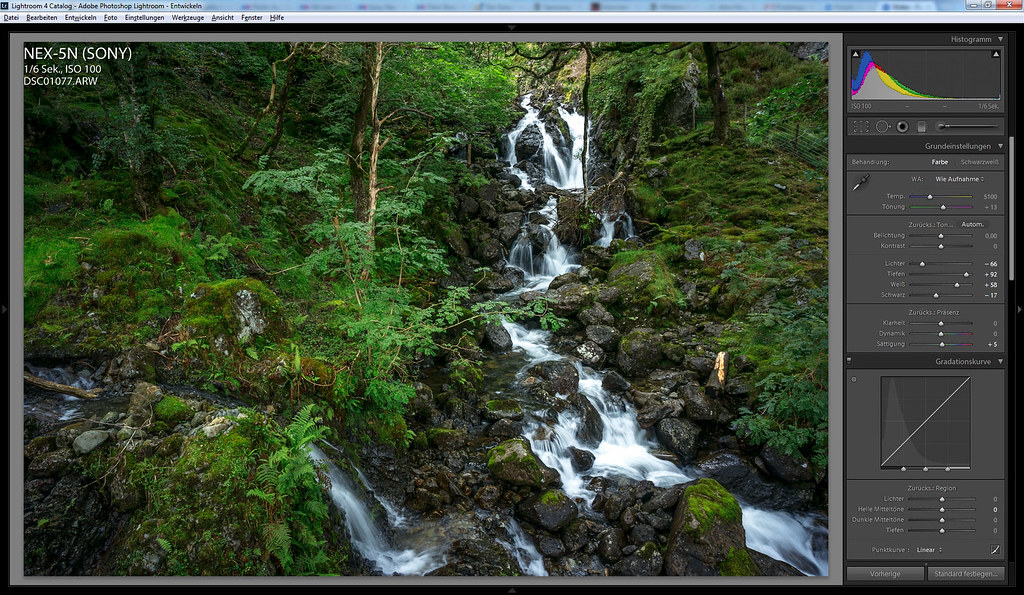
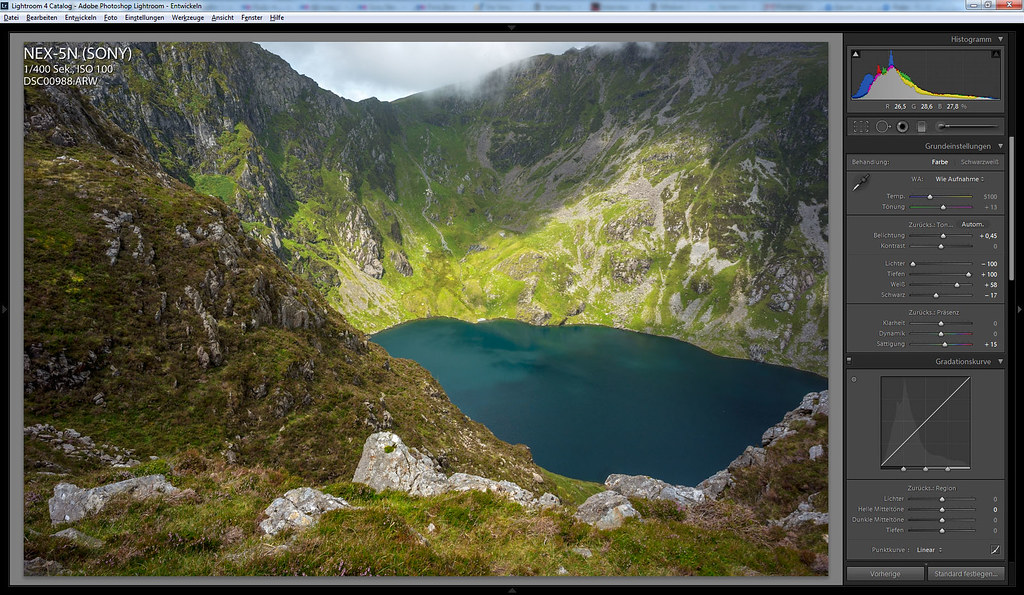
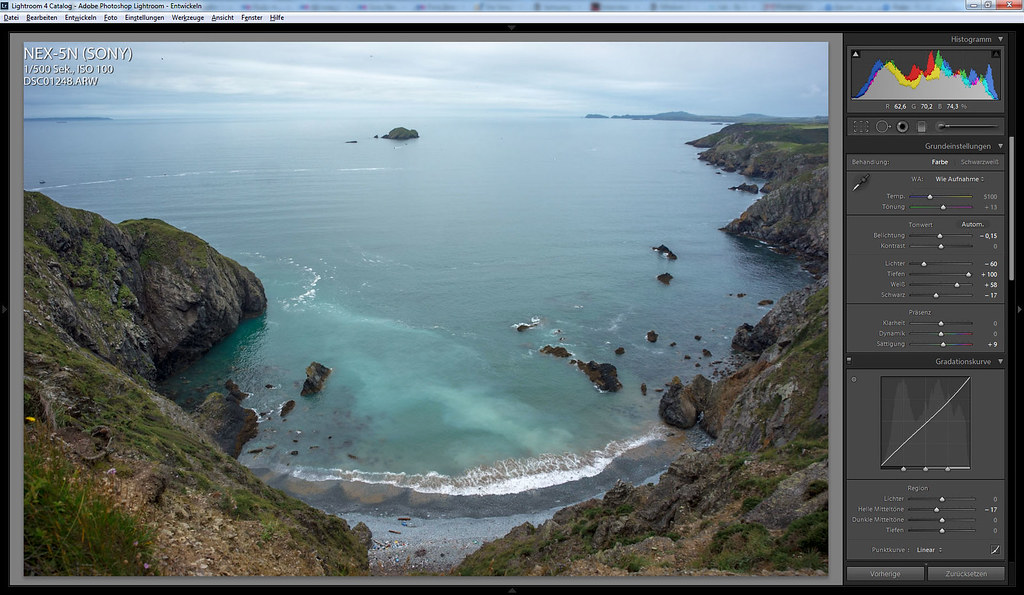
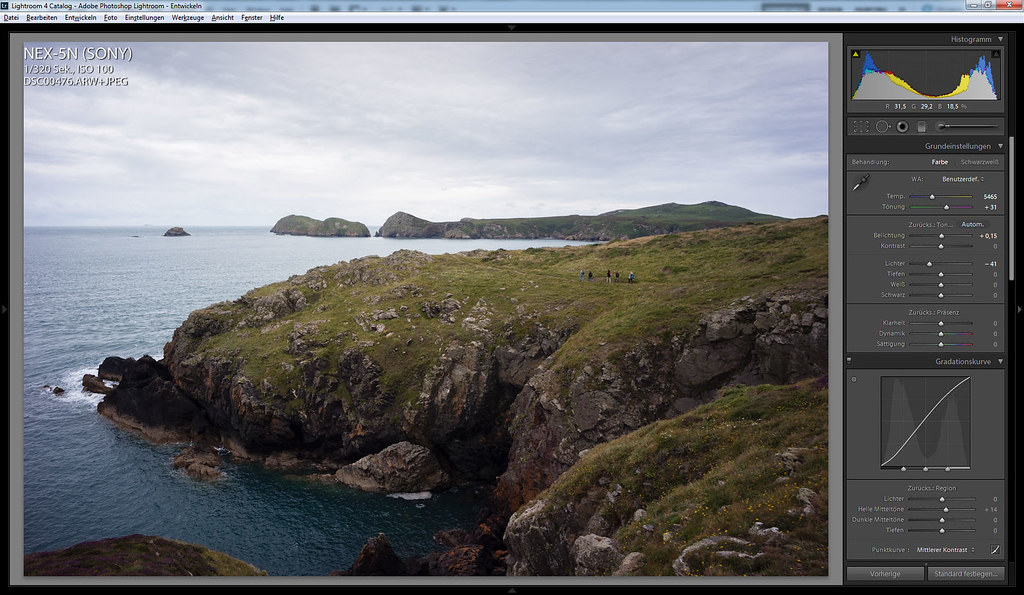
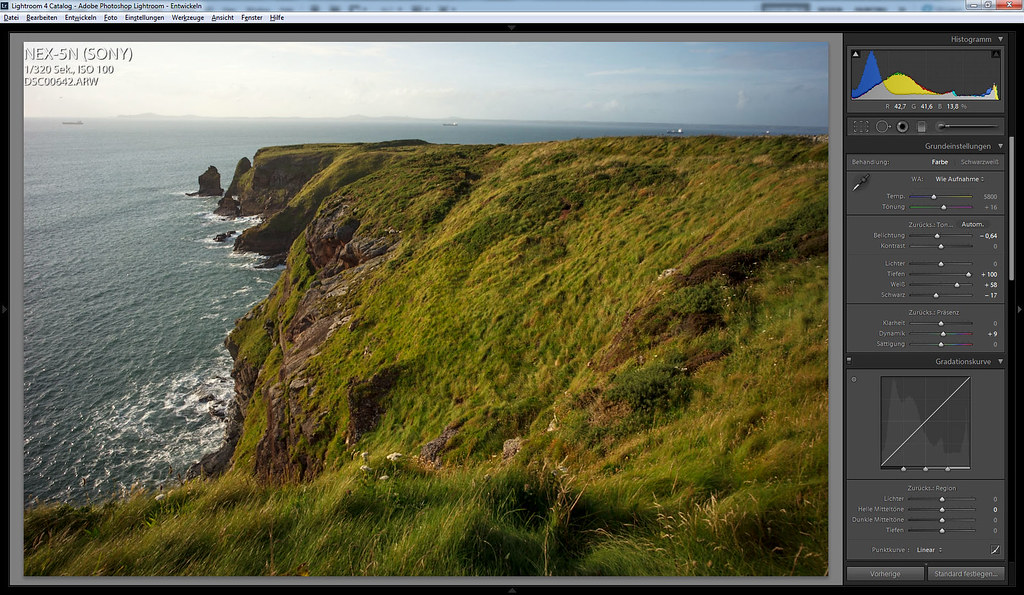
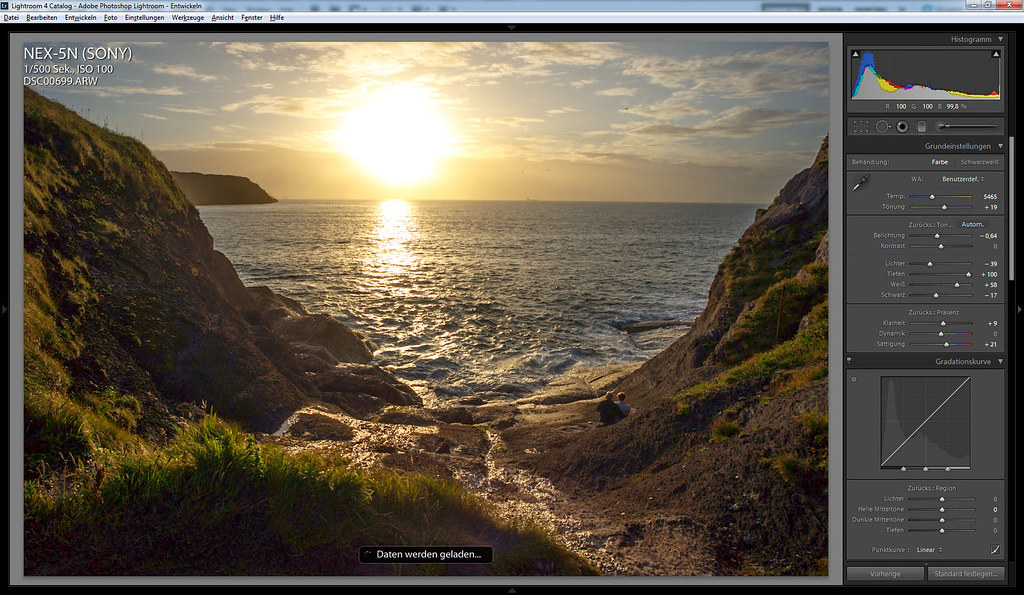
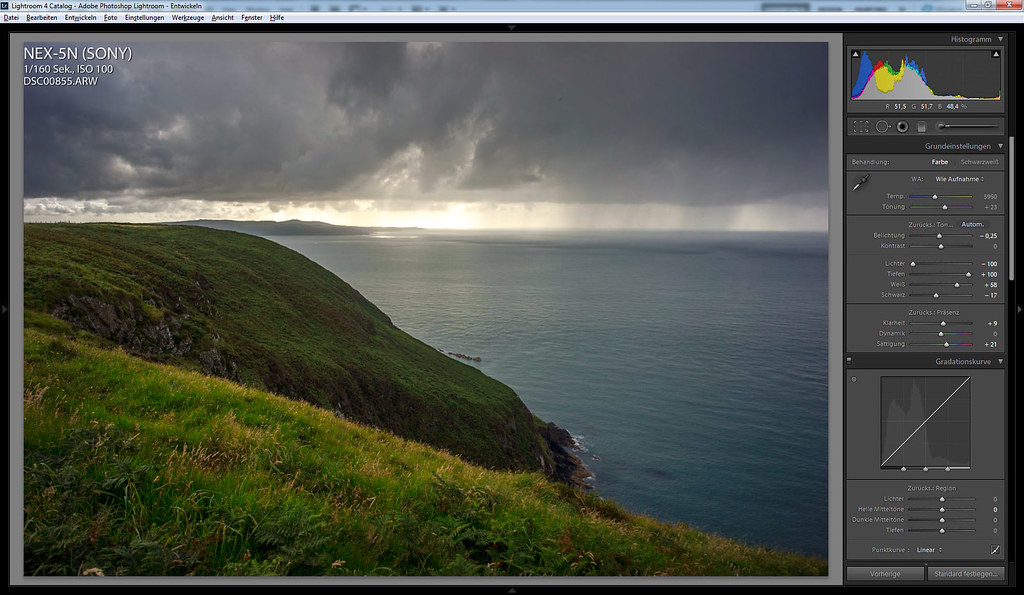
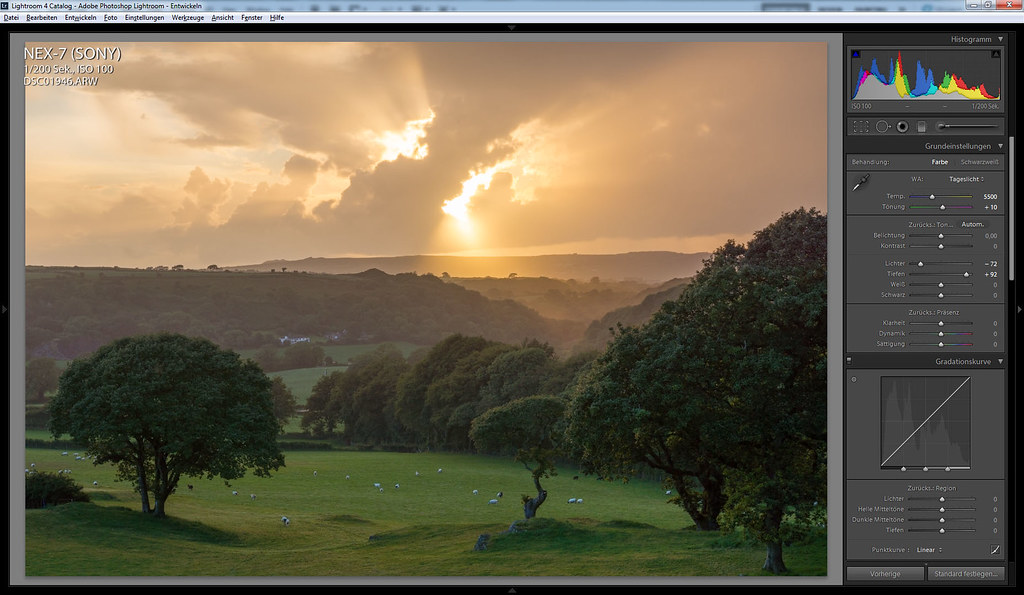
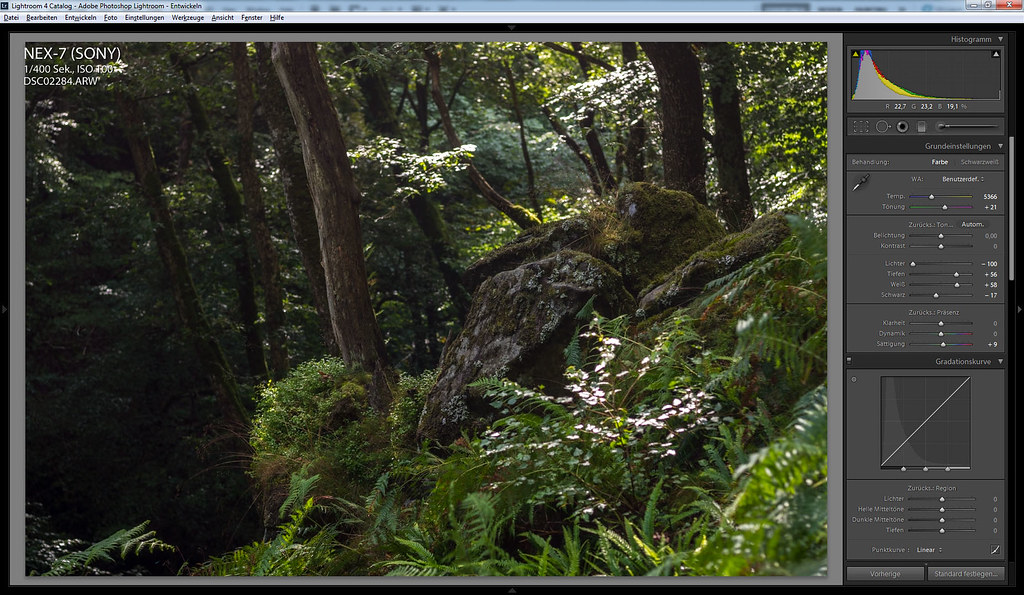
In your Ligthtroom setting shown above:
I notice you leave contrast to zero, and most of them Clarity also set to zero, and even your curve setting is liner, in additional to that, you also pull back shadow 100 and pull down highlight -100. The photo should looks really flat if I am doing the same thing. What kind of profile you use? Adobe default or some costumer setting?
But yours seems still pretty contrasty. What do you do? Before you export to PS, do you do any sharp at all? or leave that all to PS. In term of contrast, do you do that in PS as well?