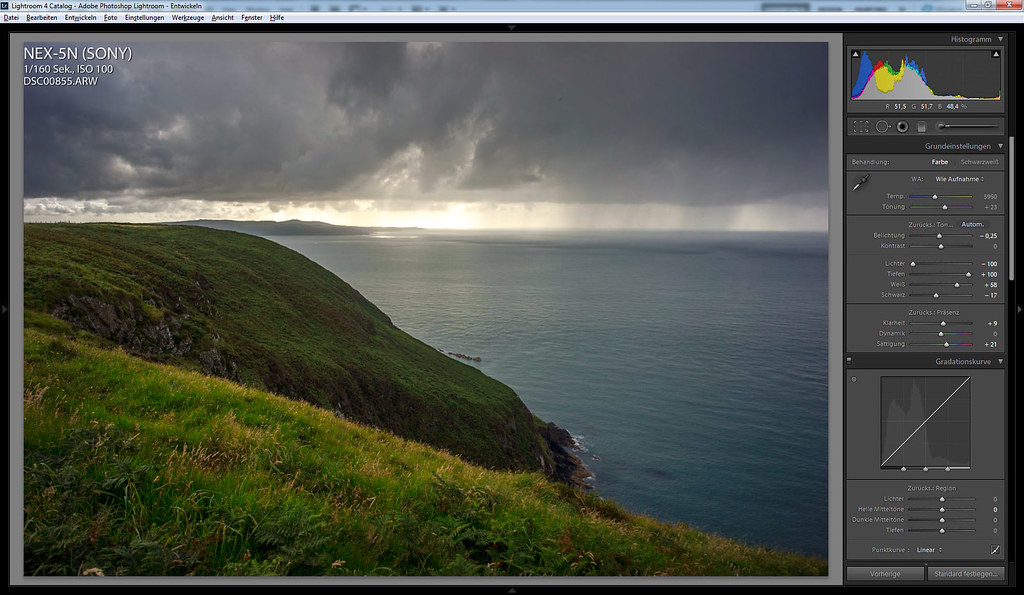
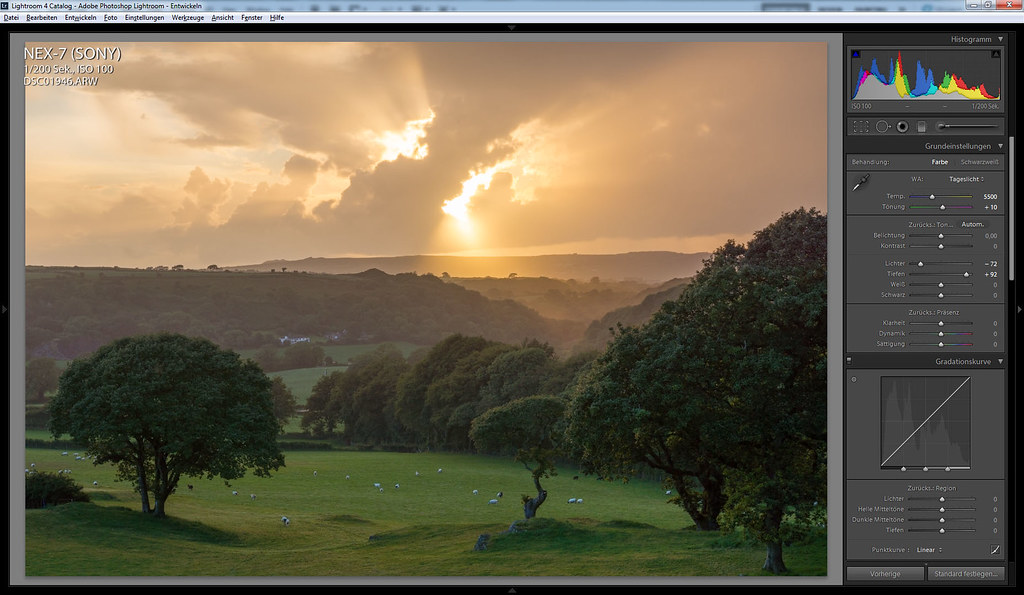
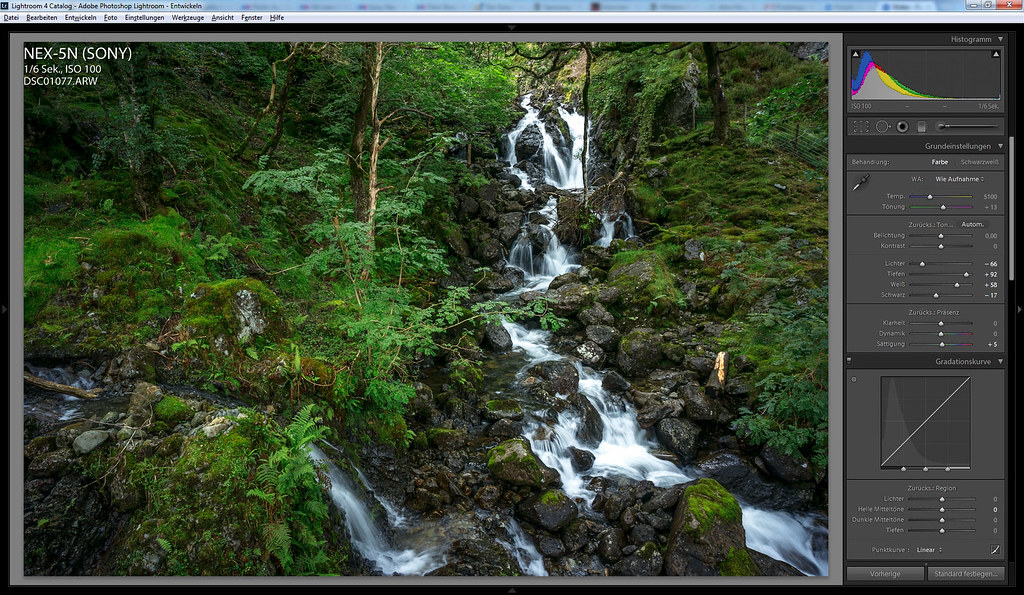
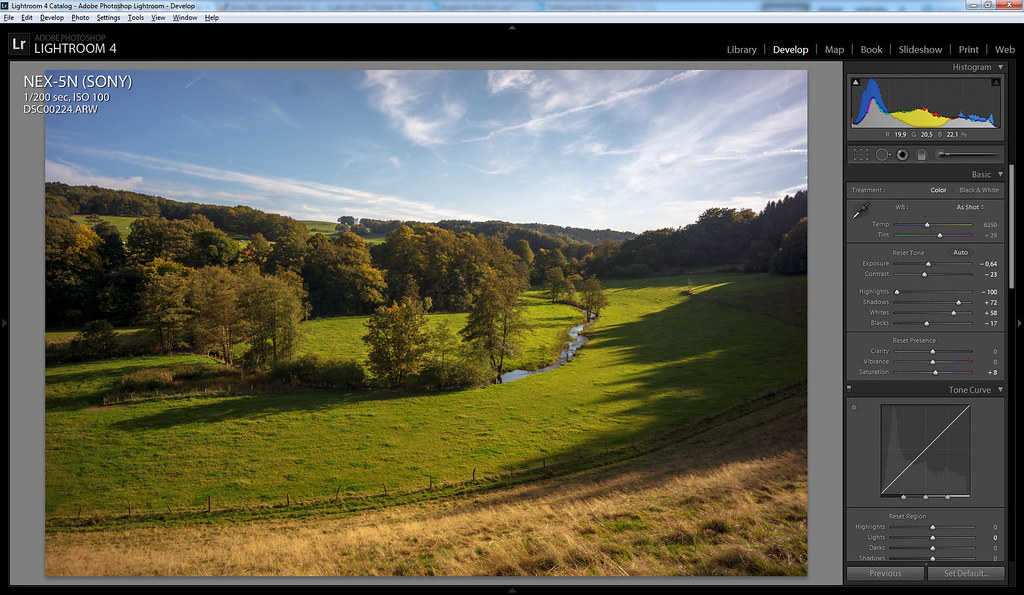
Was wondering if all those using the Nex system could share with others their Work Flow and processing techniques.I am finding the Work Flow quite a bit different than the Canon so i am looking for help.Please share details from uploading to your computer off the card as well as what you have found gets the best IQ.Please be specific as to what programs you use etc.
If this is discussed in detail somewhere else then the Moderators can delete this thread or move it.
SD card into the iMac, exposure (if necessary), some sharpening (40 1.0 50 20 ), thats usually it. Either straight to print or off to PS for re-size and save if web jpegs are wanted. But I didn't find the work flow much different if using a Canon (OK sharpening is 50 not 40).
Jim, I still process my Canon shots with DPP, and my NEX shots with LR. I tried LR for my 5D III, and it just looked significantly less appealing than with DPP.
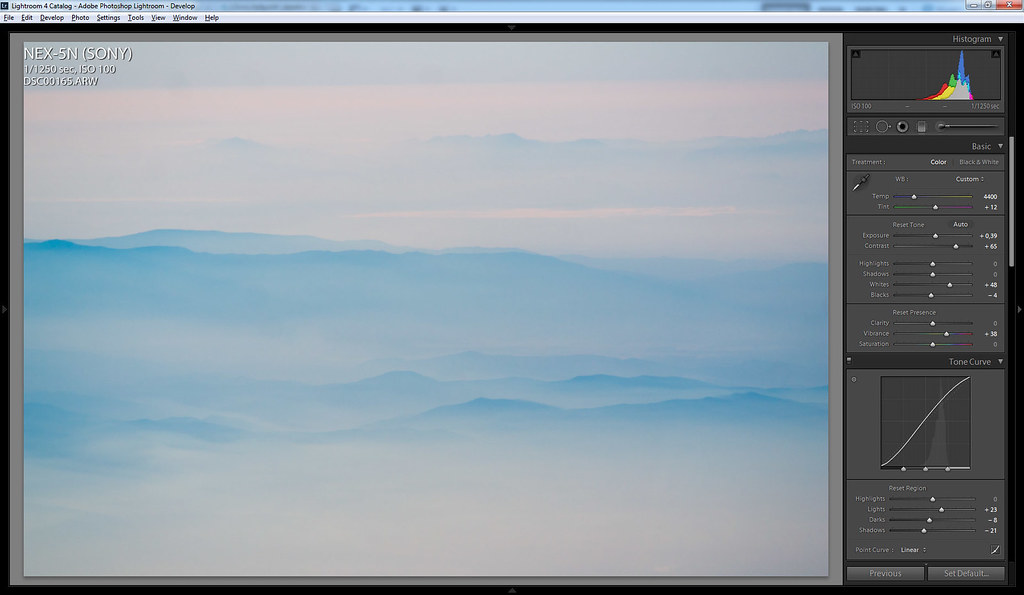
For the NEX, I use basic sharpening, and the rest on an as-needed basis. Though I frequently end up pushing vibrance moderately (+12), and reducing the blacks (-9) while pushing exposure (+0.29) to compensate
I use the bundled Sony raw converter, set exposure, white balance, turn off sharpening and noise reduction, leave DRO on or off depending, then export and do my sharpening and adjustments and downsizing in Photoshop. Care to share your Canon workflow? I'm going the other way sort of.
I usually import my images into lightroom, apply a preset, select the better ones and, process them and export them to PS for multistep sharpening. So nothing Nex specific there.
Two things which took me some time to figure out:
Color
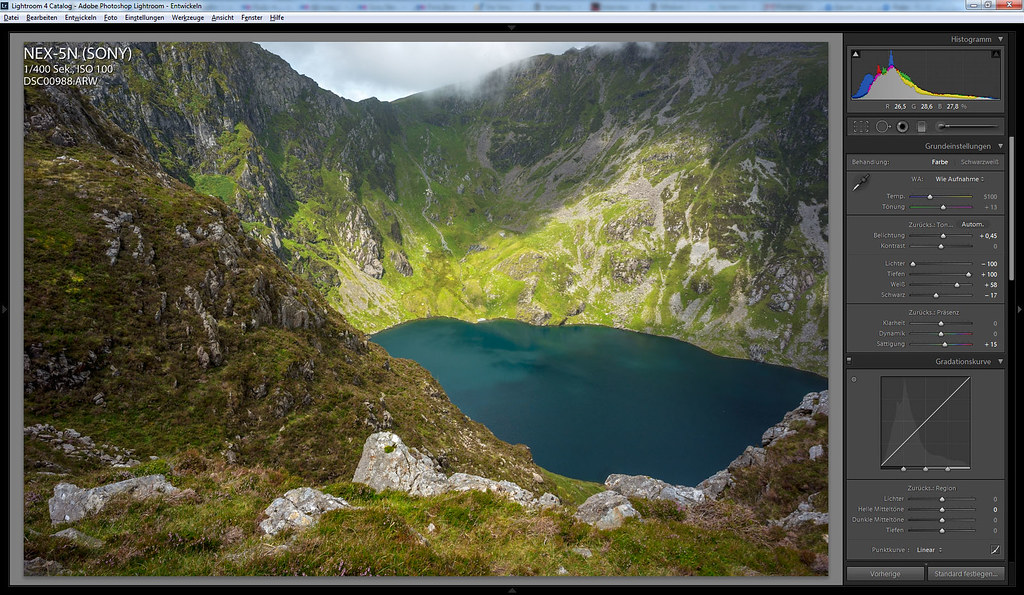
Adobes default color profile for the Nex-5n sucks. We discussed the topic in the Nex-discussion thread a while ago, Maurizio Piraccini created some profiles which are an improvement but they don't work well all the time.
Now i use a profile created by itemsis, a user of a german forum, his post can be found here, the direct link to his profile is this one.
in my opinion it gives much better skin tones than Maurizios profiles, i use it all the time and rarely use another one.
Jim - I'm curious what differences you're seeing/experiencing compared to your Canon files?
Phillip - thanks for that illustration and information. I used a 5N for a couple months last year on loan and always found it difficult to match LR output to the in-camera Jpeg colour and tonality. I usually ended up tweaking a lot of the hue, saturation and luminance values for various colours, in addition to global changes with the tone curve, contrast and clarity settings. It might be worth revisiting the files with the custom profile to which you linked.
I post process files from 5n identically for those taken with Nikon D7000. Biggest difference for Canon post processing is that I almost always underexposure quite a lot and push shadows in post with 5n and d7000. I do shadow recovery in Lightroom, export as tiff, rest post processing in photoshop as needed.
Just for kicks - download a trial version of Capture One 6 and see how you like the RAW conversions. Phase One has some great on line tutorials which should make it quick for you to pick up. I really like their default color conversions with both my Nex 5n and 7.
To answer your original question, I import my raw files using Photomechanic, browse and select in Capture One 6. I always correct exposure and use the highlight shadow sliders as appropriate and sometime correct for contrast in C1. I export unsharpened 16 bit ProPhoto RGB tiffs, which I open up in Photoshop where I use the Photokit Shapener plug in for capture sharpening and for output sharpening after I save a version of my final Tiff in the final print size. Sometimes I crop and straighten in Photoshop and sometimes in C1.
If I've corrected contrast in C1, I just resize a copy, output sharpen in Photokit Sharpener and then I'm done. For some images in which I need to add a little something, the Tiff that I export from C1 is not corrected for contrast, looks a little flat and then I use the Nik ColorEfex plug in to adjust contrast using either the Color Contrast Range, Pro Contrast or Tonal Contrast filters. Sometimes I also use the darken corners/brighten center tool in ColorEfex.
When I first got my 5N and then 7, I did several conversions of the same image in ACR (same engine as lightroom) and then C1 and I consistently prefer the C1 conversions and find the files need much less work for my vision.
Jeff Kott wrote
When I first got my 5N and then 7, I did several conversions of the same image in ACR (same engine as lightroom) and then C1 and I consistently prefer the C1 conversions and find the files need much less work for my vision.
Does anyone know of a good raw converter comparison? I'm not really considering it but i'm curious.
I think he said he stopped doing the comparisons because it was too difficult to keep up with all of the changes in the software programs. Also, different converters would perform differently for different camera raw files.
The other issue is that some converters may have great raw conversion engines but clunky interfaces, like RPP (duck for cover) and in some instances there may be a (real or perceived) trade off between absolute image quality and ease of workflow.
I have four different raw converters on my computer and one of the first things I do with any new camera is try the converting the cameras raw files in the different converters and compare them. To my eye, C1 beats ACR (or Lightroom's engine) by a not small amount and I don't understand why more people don't take advantage of the free trial download to see for themselves.
And despite my strong feelings, I have no connection whatsoever to Phase One.
Hi Jim. For me flow is the same. On a technical level one can be slightly more careless with the exposure with a Sony APS-C than eg with a Canon APS-C in extreme lighting conditions as examplified in the sunset shot above. If that is your thing. But both cams can produce equally good image. If you care about what you do the difference is academical. As academical as couting grains in a ISO3200 shot. Could be useful, but nobody cares.
With a Canon FF (or perhaps 1.3 crop) the virtues are on a different level.
Flow: always RAW from both cams (5N, 5D2). Selection of shots in Bridge. Basic adjustments in ACR. Then PS which can be 1 to 30 minutes.
Wfrank - i just got CS5 and i did not even know what Bridge was-- so thanks i think that was the missing link for me.
Someone wanted to know what my workflow was with Canon.Always shoot raw and then i got very good results with DPP, this is why i knew nothing about CS5 because i never used it.
-Jim
LR4.2 typically I expose for the highlights, set WB, a small contrast boost(+0 to +7),
Shadow boost if required, blacks(-5 to -10), vibrancy and saturation (+3 to +10),
Sometimes a boost/cut of a select color, sharpen if I want it.
Keep in mind I develop for my calibrated screen, my web uploads are just defaults.
Phillip Reeve wrote:
Adobes default color profile for the Nex-5n sucks. We discussed the topic in the Nex-discussion thread a while ago, Maurizio Piraccini created some profiles which are an improvement but they don't work well all the time.
Now i use a profile created by itemsis, a user of a german forum, his post can be found here, the direct link to his profile is this one.
in my opinion it gives much better skin tones than Maurizios profiles, i use it all the time and rarely use another one.
Thanks for this Philip. Have used Maurizio's profiles for my NEX-7, but have felt that they were all slightly off. As I'm using a NEX-5n temporarily, I'll try this profile instead. Any idea if they are interchangeable between the cameras?
Lr 4.2 comes with some new profiles which are definitely an improvement over the old default profile, but haven't compared them with my other profiles in detail.
I don't know if you can simply use a 5n-profile for your 7 and how the results would look like.